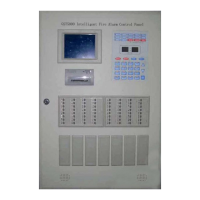
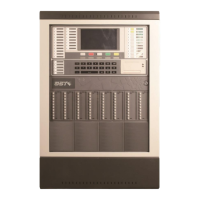
GST200 Intelligent Fire Alarm Control Panel
Installation and Operation Manual
The Intelligent Solution
Page 40
Fig. 6-33
Modify Password
Confirm Password
********
Input password again, if the two passwords are the same, the LCD will display the
window shown in Fig. 6-34, meaning the modification is successful.
GST CO., LTD.
Success
Fig. 6-34
6.4.3 Network Setup
Input “3” on the screen in Fig. 6-29, the screen shown in Fig. 6-35 will be displayed.
Fig. 6-35
*NETWORK SETUP*
1. NET Local Address
2. NET Event Display
In the above screen,
You can set the panel’s network address by entering number 1, as shown in Fig.
6-36.
Fig. 6-36
*Net Local Address*
Please Input: 01
Range 1-32


 To Next Page