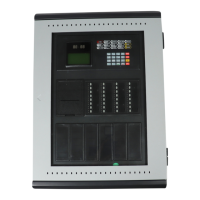
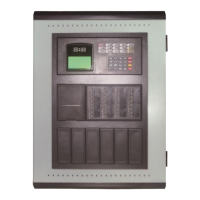
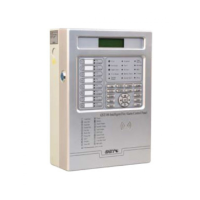
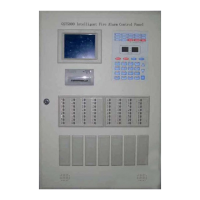
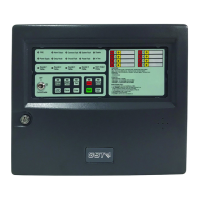
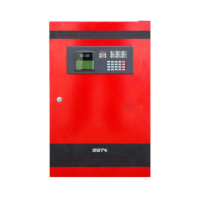
GST200 Intelligent Fire Alarm Control Panel
Installation and Operation Manual
The Intelligent Solution
Page 22
Step 1: Evacuate the people in field.
Step 2: Call the fire department.
Step 3: Initiate extinguishers.
If it is a false alarm, please take the following measures.
Step 1: Press SILENCE to stop the sound.
Step 2: Remove the causes of the false alarm.
Step 3: Press RESET to make the FACP back to the normal state. If the device still
gives false alarm, disable it and inform the installer or manufacturer for repair.
5.3 Fault
5.3.1 Fault Indication
The indication of the fault message depends on the type of fault.
Mains fault: If the AC power is down, the panel reports AC fault, and
¾ Light COMMON FAULT and AC FAULT LED.
¾ The LCD displays “AC fault”.
¾ The panel generates fault sound.
¾ Fault relay outputs.
Battery fault: The panel reports battery fault if the battery voltage is lower than
18.9V, and would:
¾ Light COMMON FAULT and BATTERY FAULT LED.
¾ The LCD displays “Bat Fault”.
¾ The panel generates fault sound.
¾ Fault relay outputs.
System fault: The panel would report system fault if its control CPU and circuits is in
fault and the panel cannot work normally.
¾ It lights the COMMON FAULT and SYSTEM FAULT LED.
¾ There is no display on the LCD.
¾ The panel generates continuous alarm sound.
¾ The panel cannot monitor fire alarm.
¾ The keypad cannot be used.
¾ If system fault indication remains for less than 5 seconds, the panel will
assume that this is not a true fault and automatically clear the LED and
sounder indication
and return to normal monitor state. If system fault
indication remains for more than 5 seconds, the panel will then interpret it as a
genuine fault and the LCD displays “System fault must be reset manually.
System time must be reset.” after it’s cleared. You need to press RESET key
to clear the fault indication and reset system time.
¾ Fault relay outputs.


 To Next Page