58 Chapter 5, Operating the TEG
®
Analyzer
P/N 115191-IE, Manual revision: AB Haemonetics
®
TEG
®
6s User Manual
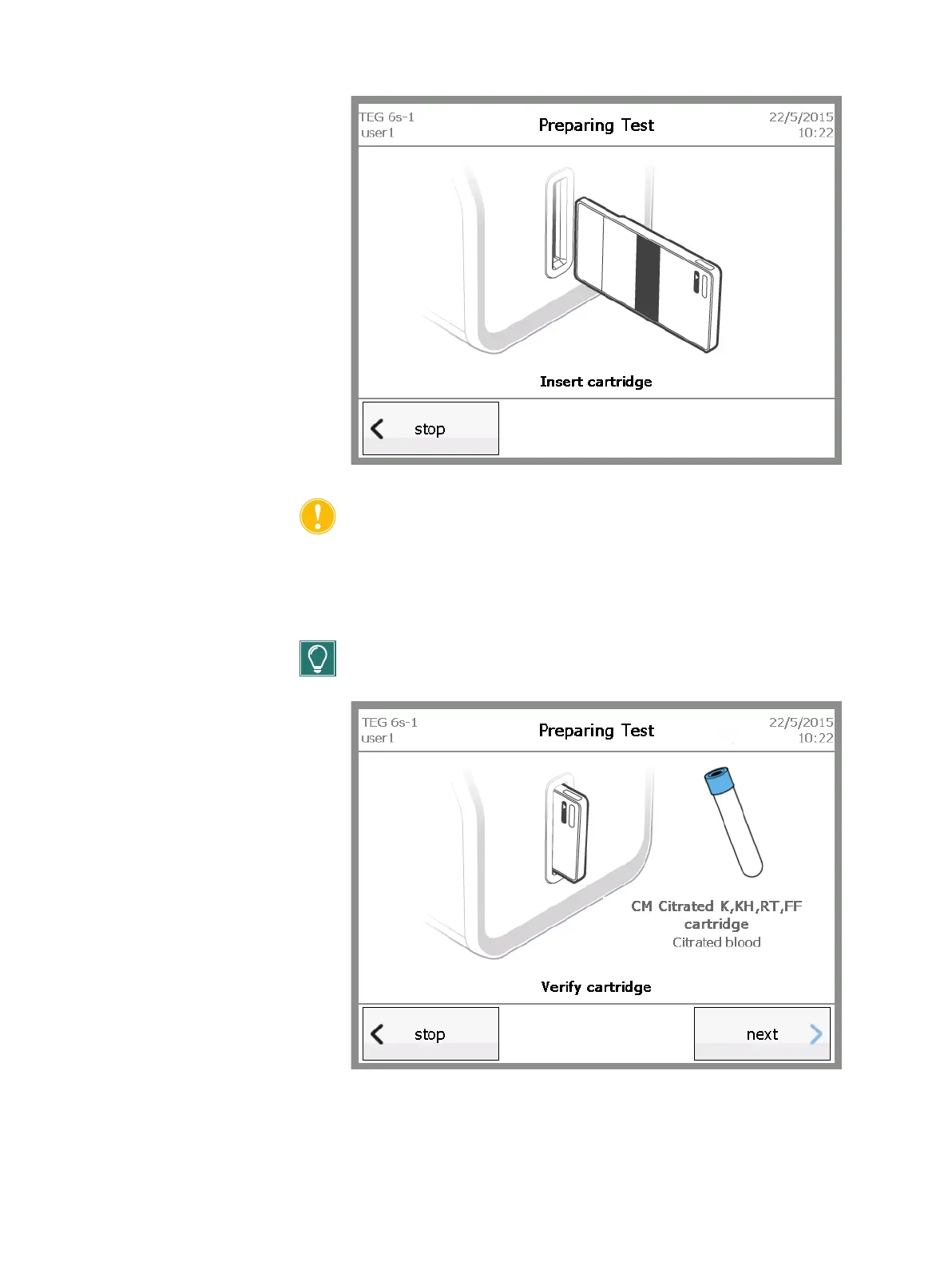
Figure 5-5, Preparing Test - Insert cartridge screen
Caution: DO NOT remove the cartridge until prompted to do so, either
after normal completion of the test or as a result of choosing to stop the
test.
8. On the Preparing Test – Verify cartridge screen, review the information
to ensure that the cartridge type displayed on the screen is correct, and
then touch next.
Tip: The color of the test tube indicates the type of blood sample to be
used for the test.
Figure 5-6, Preparing Test - Verify cartridge screen



 To Next Page