Chapter 5, Operating the TEG
®
Analyzer 59
Haemonetics
®
TEG
®
6s User Manual P/N 115191-IE, Manual revision: AB
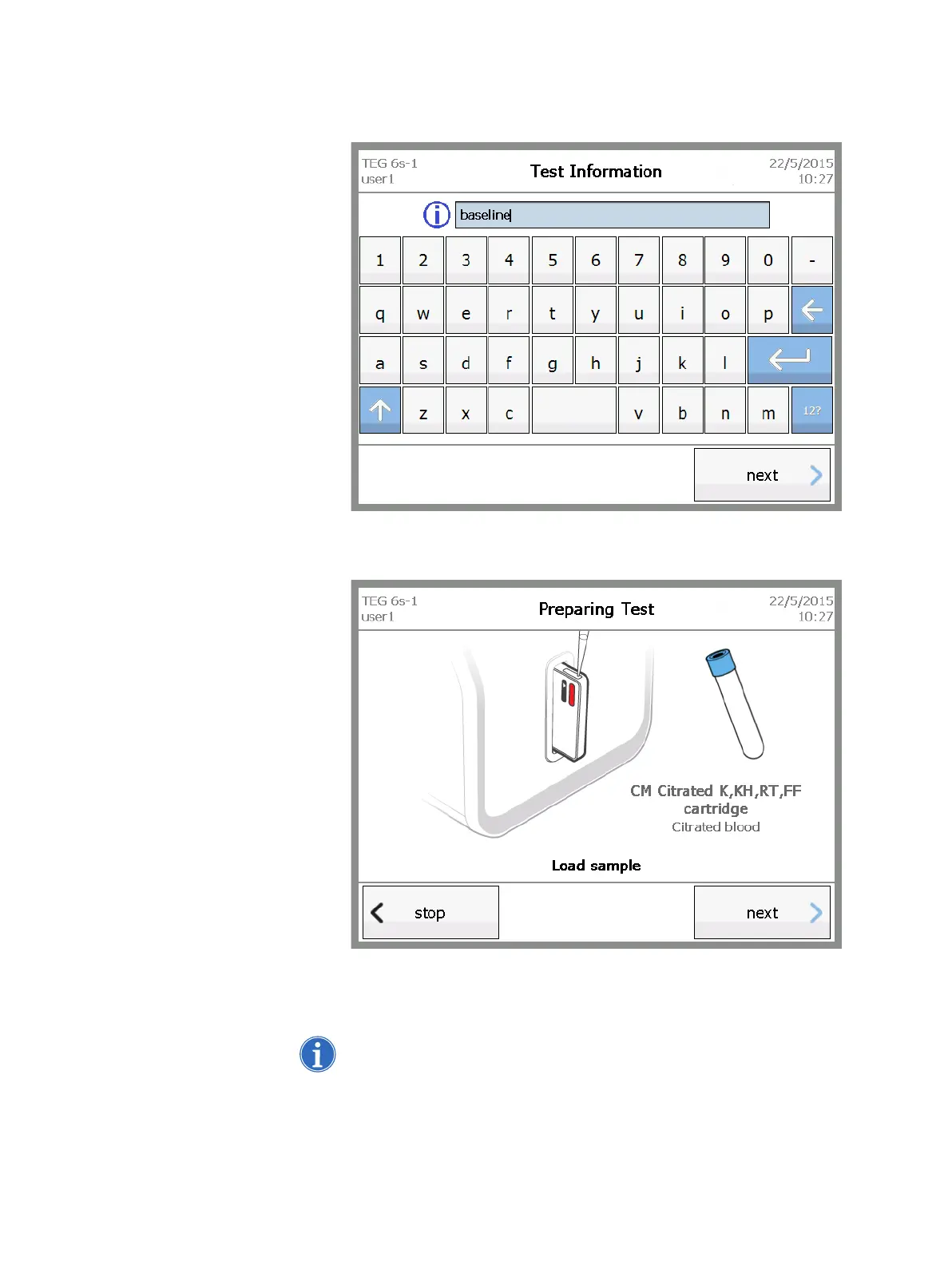
9. On the Test Information screen, enter information for the test (for
example, a treatment phase), if desired, and then touch next.
Figure 5-7, Test Information screen
The Preparing Test – Load sample screen displays.
Figure 5-8, Preparing Test - Load sample screen
10.Using a pipette or syringe, load blood into the cartridge sample port,
filling up to or above the line marked on the side of the cartridge.
Note: Precise measurement is not necessary; any excess blood is moved
to a sealed waste area within the cartridge during the test.



 To Next Page