EB+ Soft DockingInstallation guide
41
2020 Innovative Vehicle Solutions
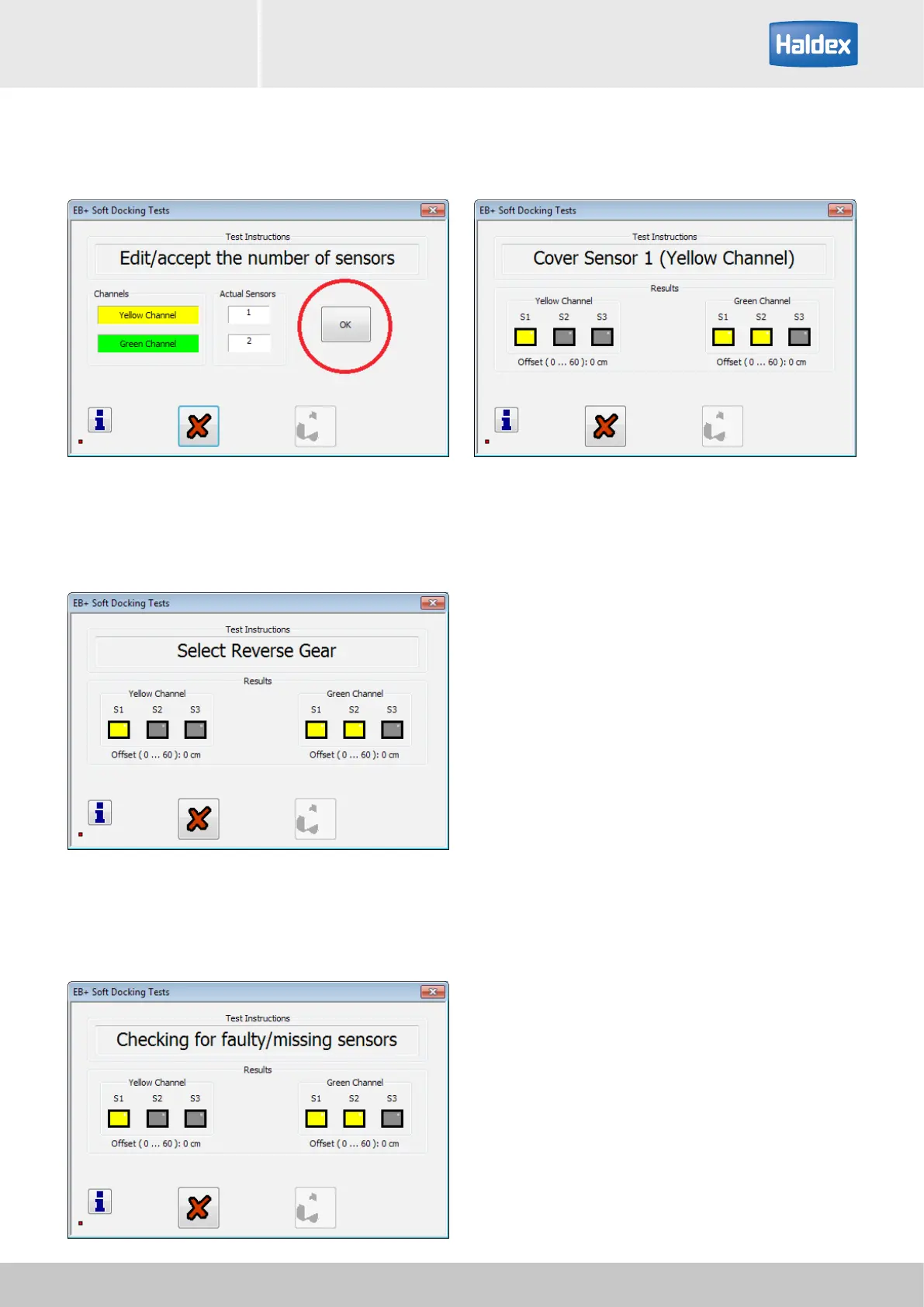
Step 11:
Select 'OK' button.
Step 13:
Check all installed sensors are displayed.
Step 14:
Activate the sensor on the yellow channel.
Sensor activation sequence:
The sensor is activated / detected using a solid object
(see example) placed at 150 mm in front of the sensor.
Note: Do not place the solid object onto the sensor
face, a 150 mm gap must be maintained for correct
activation.
Solid object examples:
Rigid cardboard (200 mm x 100 mm)
Rigid metal sheet (200 mm x 100 mm)
Step 12:
Select vehicle reverse gear.



 To Next Page