Wireless Access Point HNW300APN
User Manual 74
10.6 Mesh settings
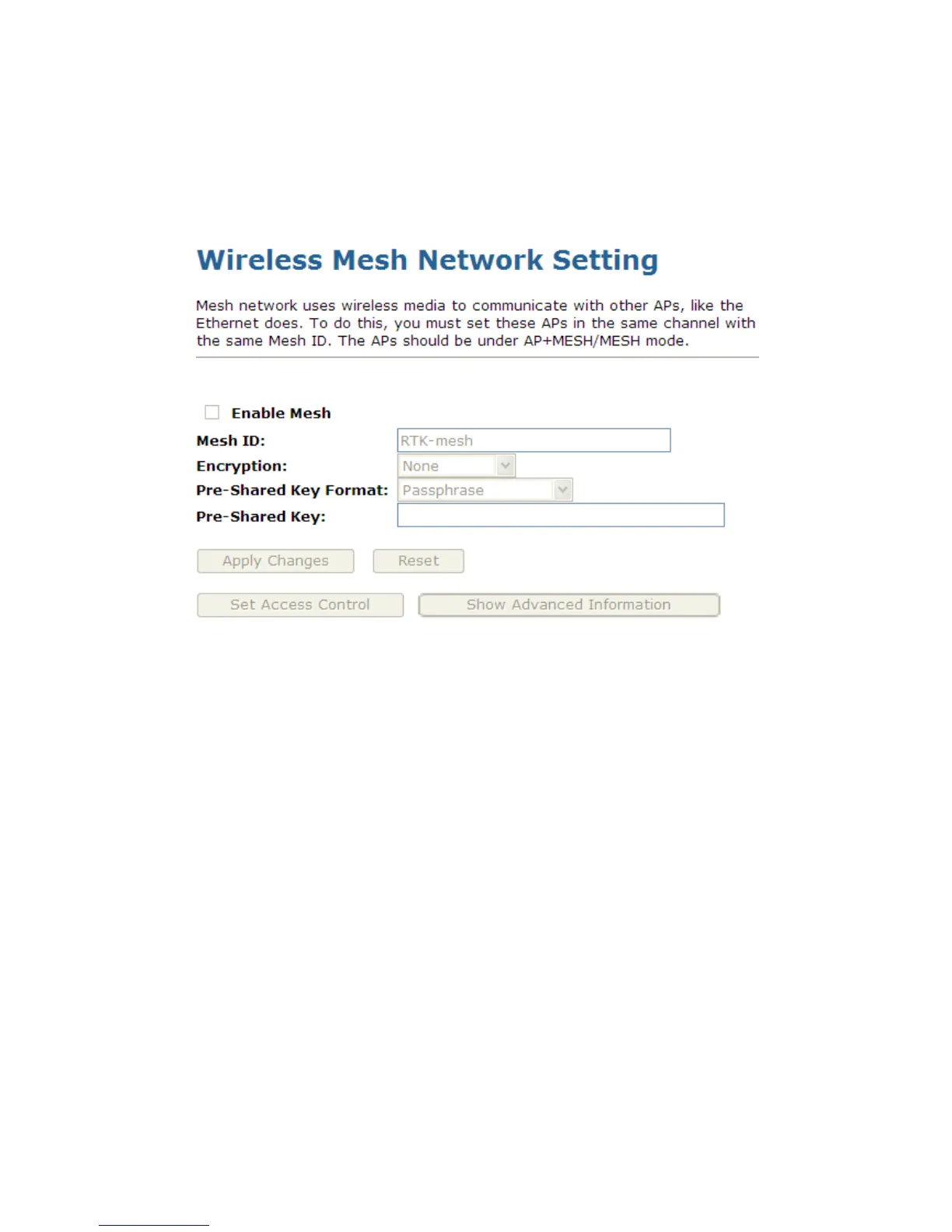
Mesh network uses wireless media to communicate with other APs, like the Ethernet does. To do this, you
must set these APs in the same channel with the same Mesh ID. The APs should be under
AP+MESH/MESH mode. To access the Wireless Mesh Network Setting page:
From the left-hand Wireless menu, click on Mesh settings. The following page is displayed:



 To Next Page