58
PME-MP55
HBM A0563-5.6 en
The current errors are displayed consecutively (see also page 23). Press
+
,
until you come to the ”ERROR” display mode.
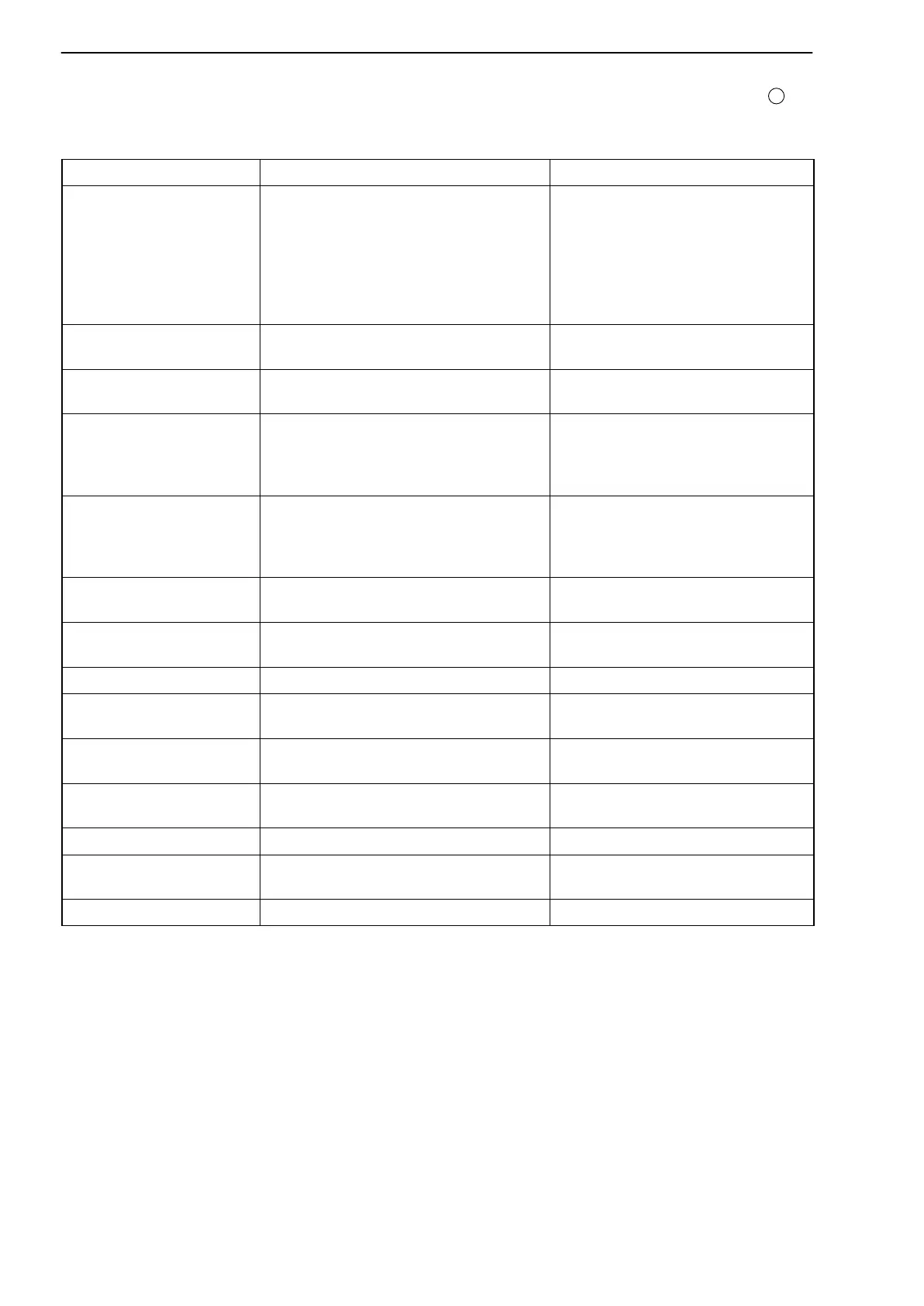
Error message Cause Remedy
Hrdware
1)
(HrdwOvfl)
2)
Input signal overflow
Transducer not connected
Transducer wrongly connected
Amplifier not matched to the trans-
ducer type
No sensor circuits connected
Connecting transducers
See pin assignment on page17
Adapt amplifier under
TRANSDUCER group
Connect sensor circuits
AD Conv
(ADC+Ovfl, ADC-Ovfl)
Input signal from AD converter too
large
Adapt hardware measuring
range
AnlgOutp
(AnlgOvfl)
Analogue output overflow Check allocation of display value
to analogue output
StoreMin
(PkMinOvf)
Minimum peak value overflow 1. Clear peak value via external
remote or
2. In PEAK STORE group,
”ClearPkV” Yes
StoreMax
(PkMaxOvf)
Maximum peak value overflow 1. Clear peak value via external
remote or
2. In PEAK STORE group,
”ClearPkV” Yes
Net
(Net+Ovf; Net-Ovf)
Net value overflow
3)
Reduce display by one decimal
place
Gross
(Grs+Ovf; Grs-Ovf)
Gross value overflow
3)
Reduce display by one decimal
place
NomVal over Nominal value exceeded Adapt range
Transducer Transducer not connected
No sensor circuits connected
Connecting transducers
Connect sensor circuits
Scaling
4)
(Scal.Err)
Input characteristic too steep Change input characteristic
AnlgScal
(AScalErr)
Input or output characteristic too
steep
Change input or output
characteristic
ISyncErr No internal synchronisation Restart, connect transducer
(UrCalErr) Invalid original calibration values Restart, send PME to the
manufacturer (HBM)
CAN Tx No PDO request on bus Check CAN bus configuration
1)
Error messages without brackets: errors that are displayed consecutively in the ’ERROR’ display mode.
2)
Error messages in brackets: errors that are displayed in the appropriate display mode (e.g. Gross, Net,
Analogue output signal).
3)
On CAN bus "1 000 000 is output
4)
See page 31
Artisan Technology Group - Quality Instrumentation ... Guaranteed | (888) 88-SOURCE | www.artisantg.com


 To Next Page