22
CMD600
A2820−1.1 en
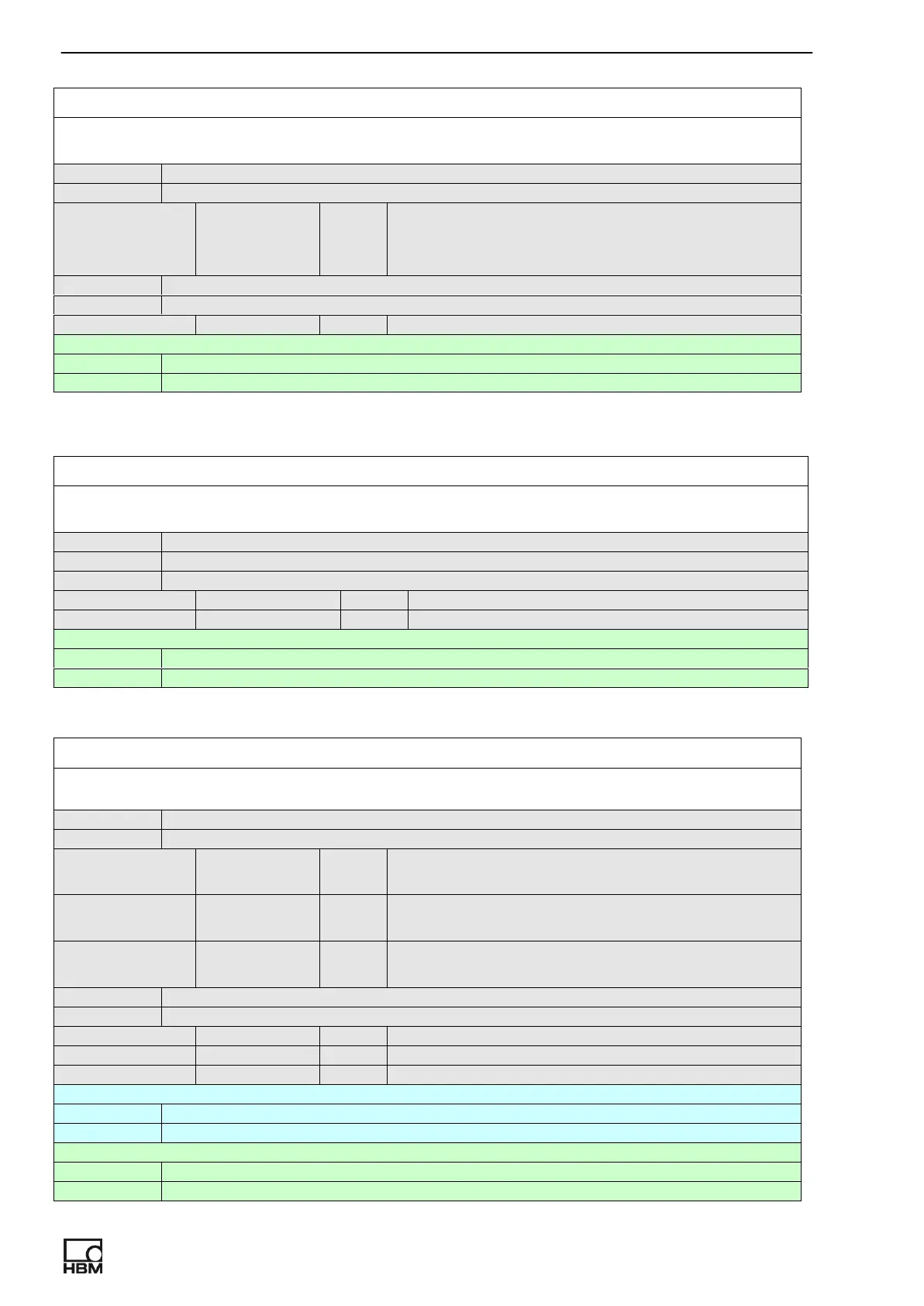
CH_CLEAR_LIMIT_SWITCH
Clear limit switch value for selected switch. Applicable to preselected channel
command CH_CLEAR_LIMIT_SWITCH switch
parameters:
switch int 1..clear limit switch 1
2.. clear limit switch 2
3..clear both switch
response OK, CH_ CLEAR_LIMIT_SWITCH = switch
parameters:
switch int See description above
help CH_ CLEAR_LIMIT_SWITCH ?
response OK, CH_ CLEAR_LIMIT_SWITCH switch
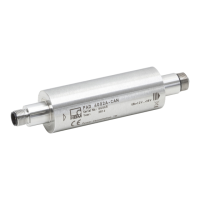
CH_GET_LIMIT_SWITCH
Return limit switch state for selected limit switch.
command CH_GET_LIMIT_SWITCH
response OK, CH_GET_LIMIT_SWITCH = switch1_state, switch2_state
parameters:
switch1_state int State of limit switch 1.
switch2_state int State of limit switch 2.
help CH_GET_LIMIT_SWITCH ?
response OK, CH_GET_LIMIT_SWITCH switch1_state, switch2_state
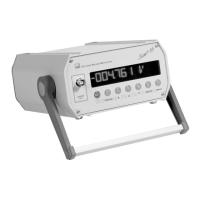
DIGITAL_INPUT
Enable/disable, set polarity and mode for digital input. If mode 1 is selected then this
function advantage brefore analog output mode.
command DIGITAL_INPUT enable[, inverted,mode]
parameters:
enable int 0..disable digital input
1..enable digital input
inverted int 0..active logical state for digital input is 1
1.. active logical state for digital input is 0
mode int 0..clear peak values
1..hold output voltage
response OK, DIGITAL_INPUT = enable, inverted,mode
parameters:
enable int See description above.
inverted int See description above.
mode int See description above.
inquiry DIGITAL_INPUT = ?
response Same as response to command
help DIGITAL_INPUT ?
response OK, DIGITAL_INPUT enable[, polarity,mode]



 To Next Page