User manual
Manual EN V2.00 / 06-2009 13
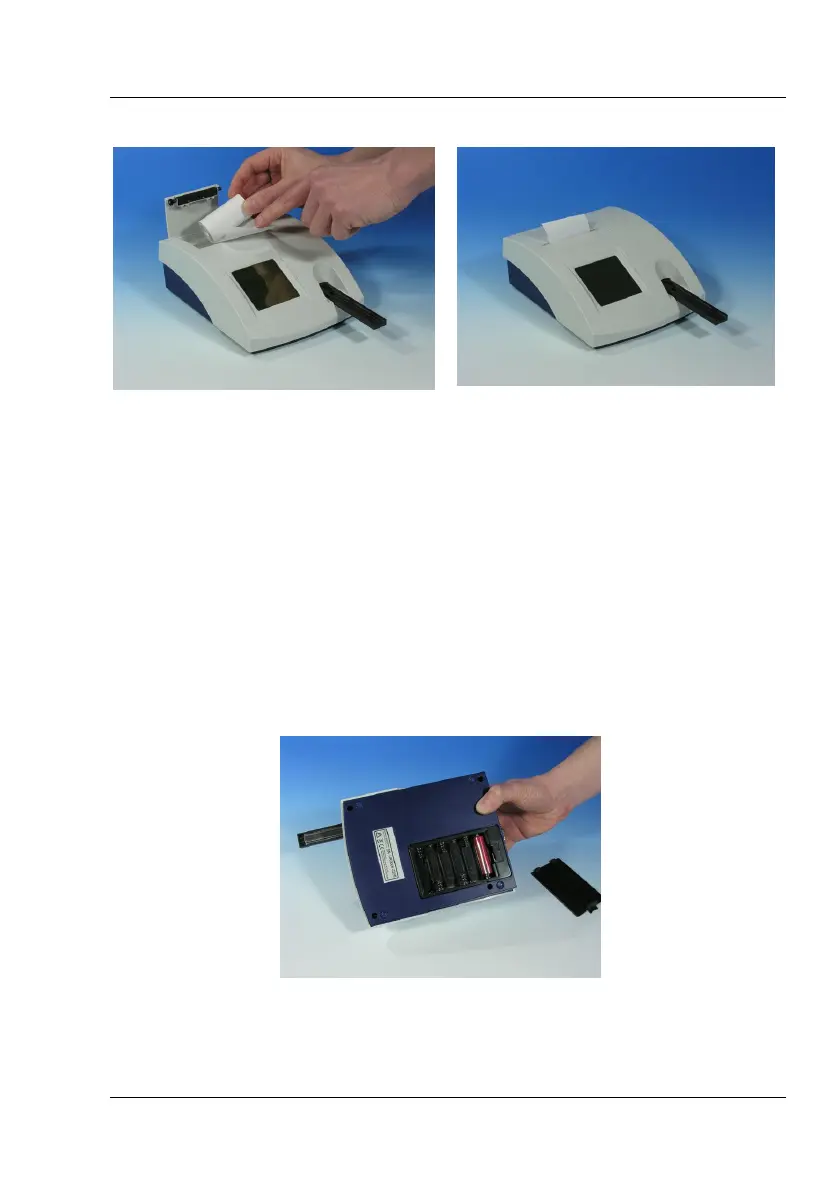
Unroll the paper roll by 5 cm and place the roll in the paper compartment
with the end on the lower side. Fix the end of the paper to the housing with
your forefinger while closing the flap (Pic. 3.8).
3.6 How to install batteries (optional)
The instrument can be operated with type AA batteries independent of the
mains supply. The battery compartment is on the underside of the
equipment. Notice the designated polarity (+/-) marked on the battery
compartment while inserting the batteries.
Pic. 3.10 : battery compartment



 To Next Page