User manual
Manual EN V2.00 / 06-2009 44
12.3 How to change the sensitivity
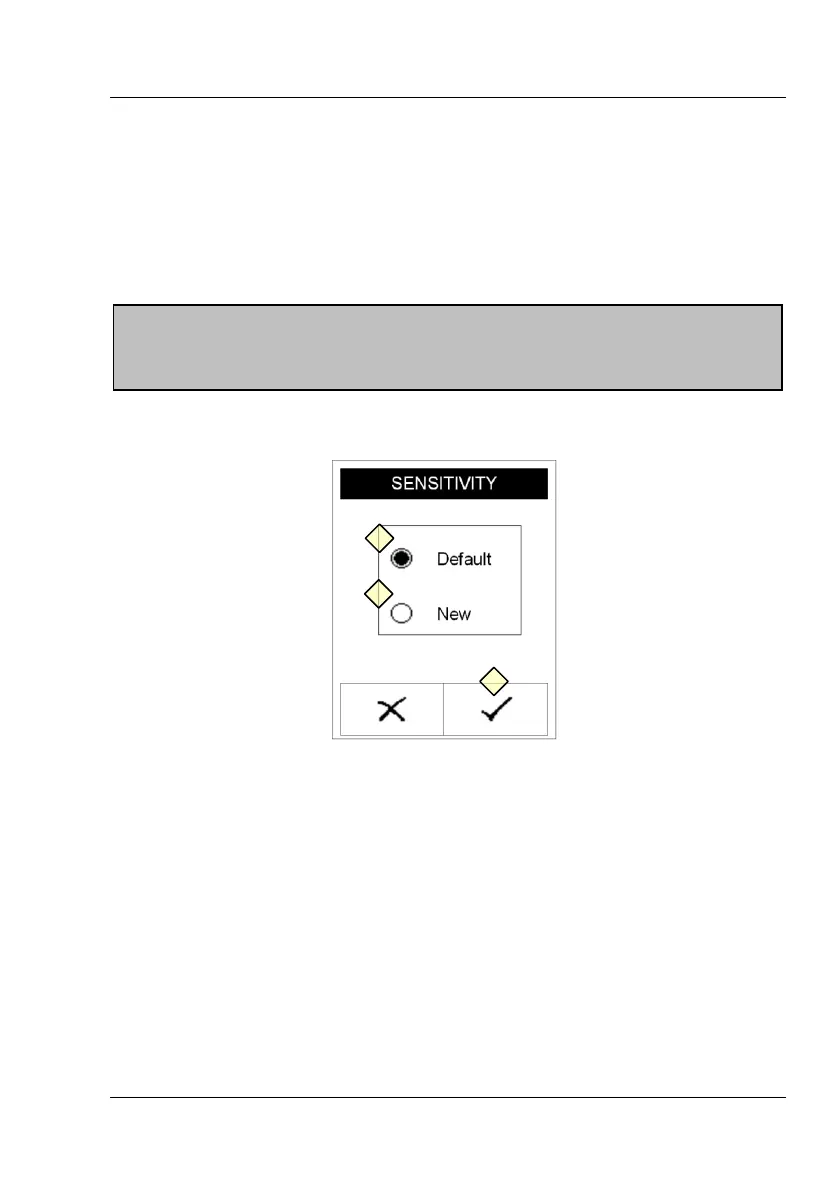
Select 'Sensitivity' to adjust the sensitivity settings. The sensitivity of the
instrument may be adjusted within specified borders for all parameters
except the pH - value.
Display 29 : Sensitivity A
12.3.1 Settings Reset
By selecting the option panel “Default“ (Display 29-1) and following
confirmation (Display 29-3) all sensitivity values are reset to delivery status
of the instrument.
ATTENTION:
Faulty measurement results due to manipulated sensitivity are the sole
responsibility of the operator of the equipment!



 To Next Page