User manual
Manual EN V2.00 / 06-2009 14
3.7 Use of the instrument
All user inputs are done via a touch-screen (touch-display). All functions
are activated directly by slight pressure with the finger on explicit
pictograms or text representing the menu items.
3.7.1 Buttons
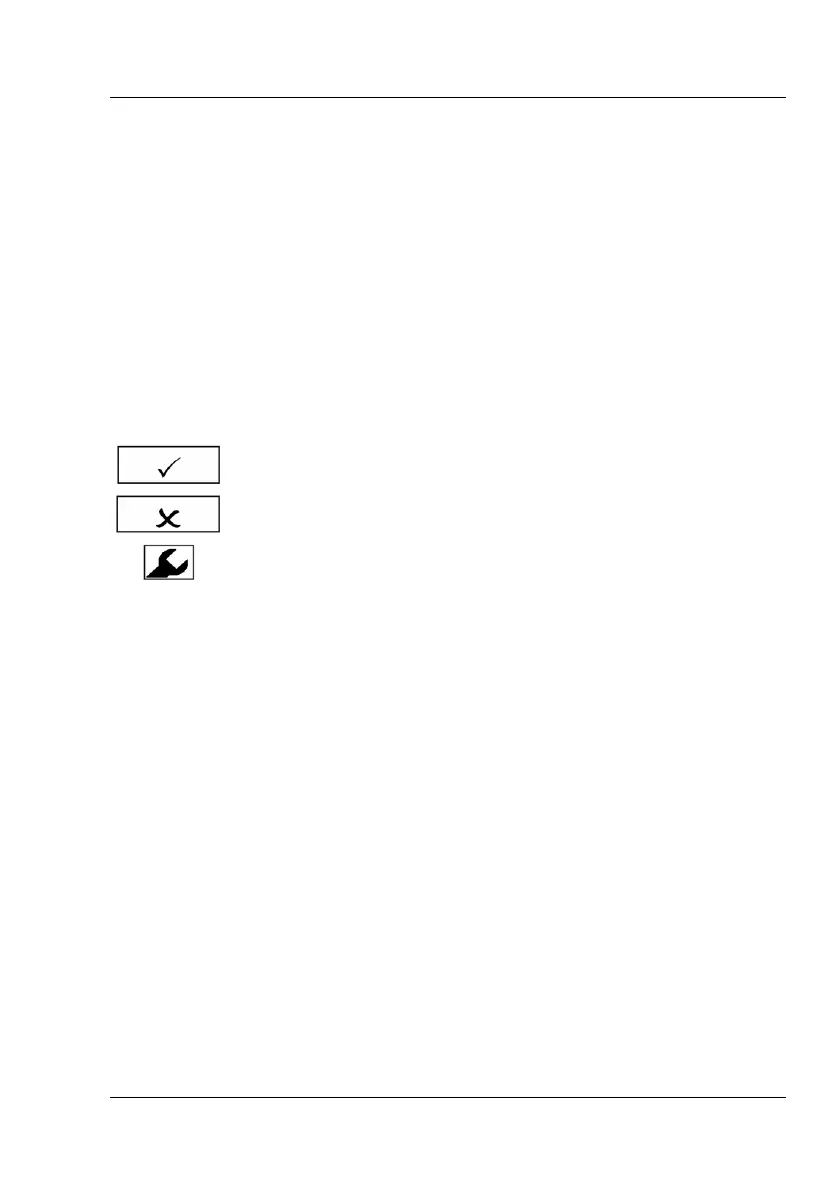
Framed areas react to pressure and trigger the action linked to it. The
caption of an area describes its function.
Examples:
e.g. display of equipment settings



 To Next Page