User manual
Manual EN V2.00 / 06-2009 32
9. Equipment Settings
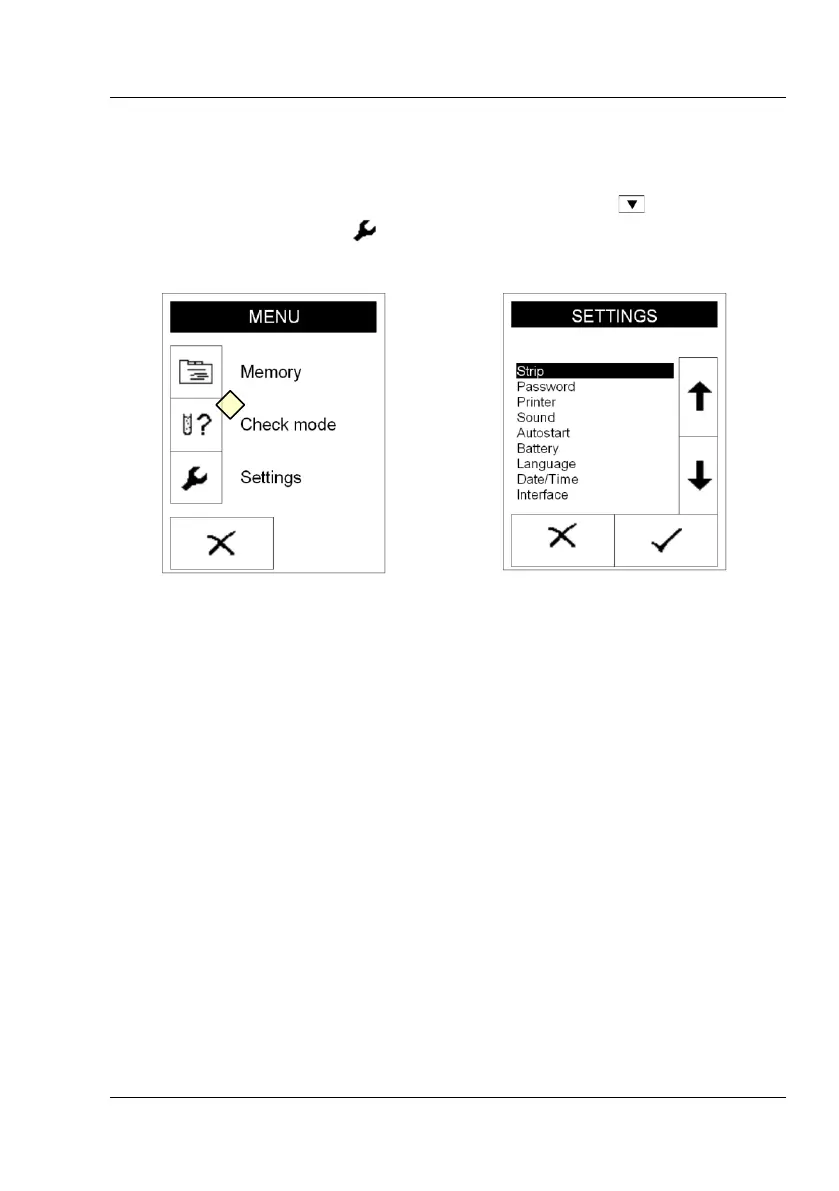
Enter the main menu by pressing the menu key to reach the
“SETTINGS“ display press (Display 21-1).
9.1 How to modify strip settings
9.1.1 Type
The instrument is in principle able to analyse also non-medical stick types.
When the equipment has data for various approved strip types, the strip
type can be chosen in a selective list.



 To Next Page