User manual
Manual EN V2.00 / 06-2009 27
7.2.2 Selecting Search Criteria
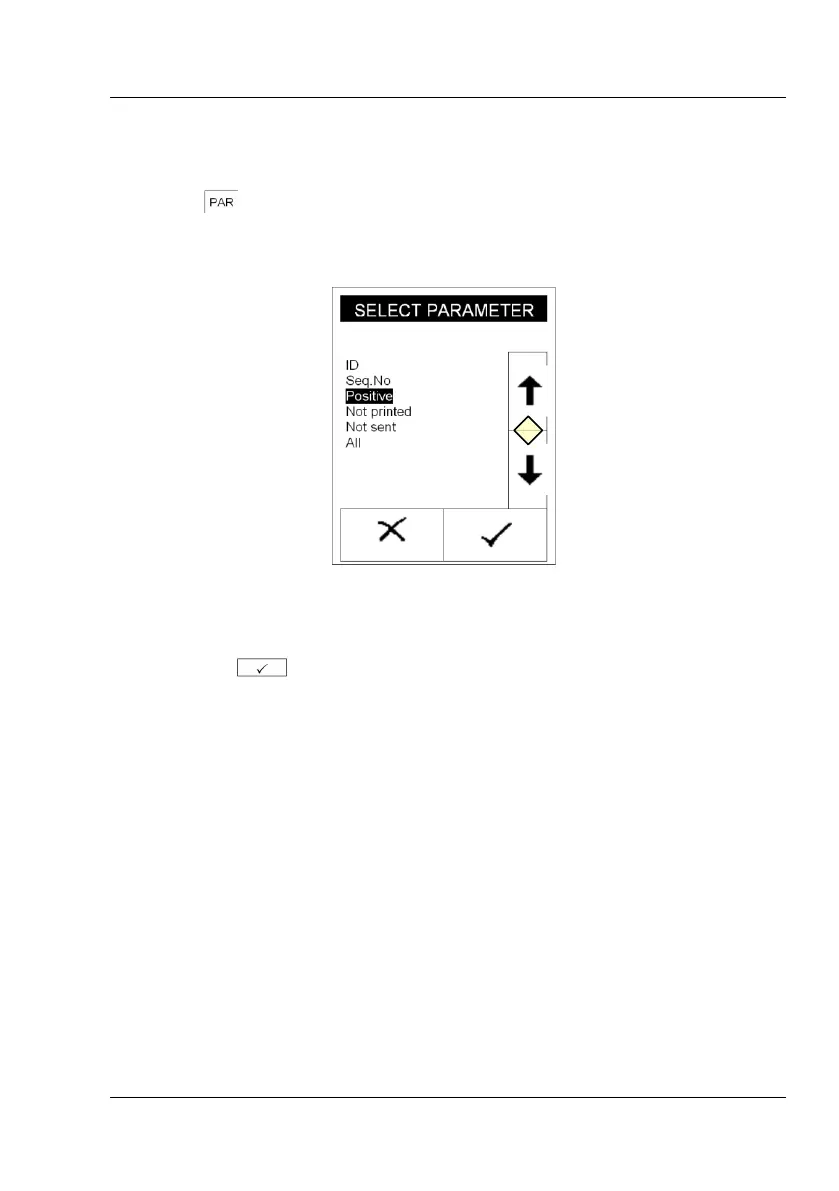
Pressing (Display 13-10, “SET FILTER PAR.“) brings up display
(Display 15).
Display 15 : Select parameter
Use the arrow keys (Display 15-11) to select the desired criteria and
confirm with . The filter criteria will be displayed on filter settings
screen (Display 16).



 To Next Page