Manual de instrucciones
Manual de instrucciones ES V2.00 / 02-2009 75
7.2.2 Seleccionar parámetros de búsqueda
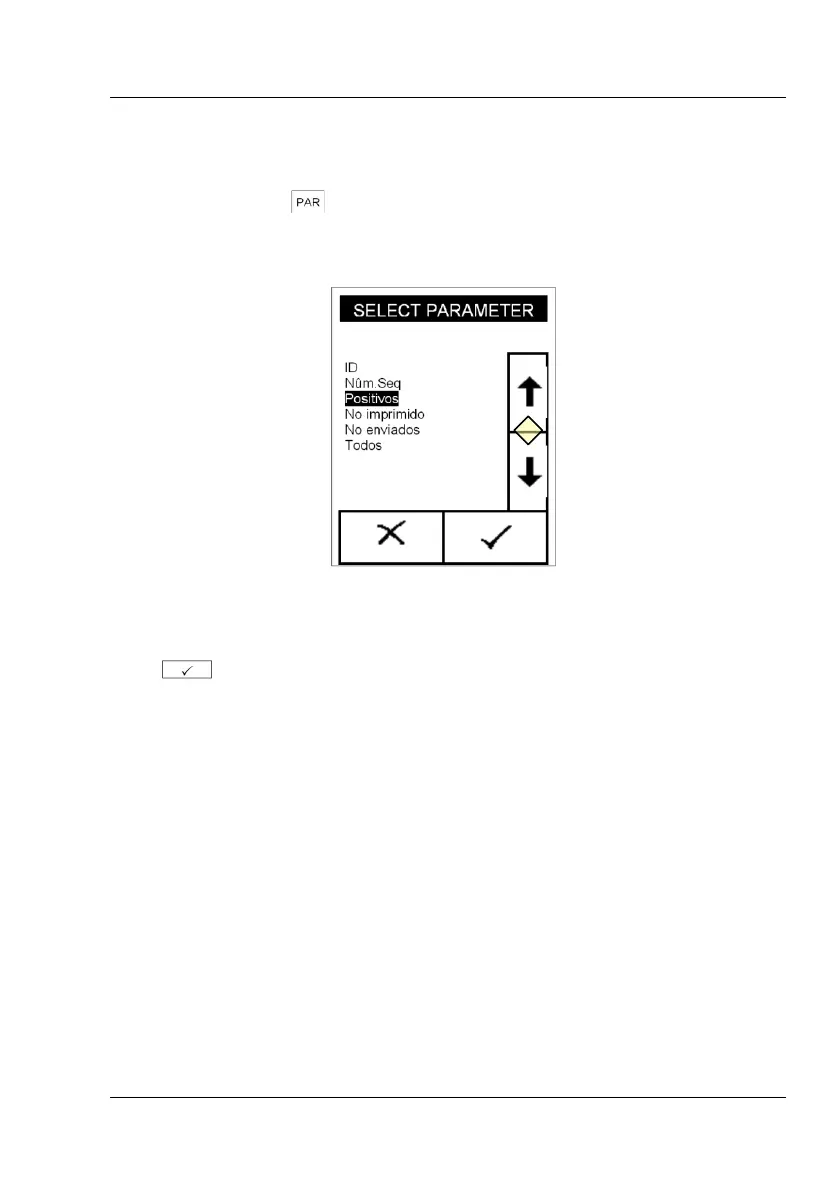
Al pulsar el botón (fig. 13-10), aparece un menú de selección con
diversos parámetros (fig. 15).
Fig. 15: Seleccionar parámetro
Use las flechas (fig. 15-11) para seleccionar el criterio deseado, y confirme
con . El criterio seleccionado para el filtro será mostrado en
"PARÁMETROS DE FILTRO"



 To Next Page