User manual
Manual EN V2.00 / 06-2009 45
12.3.2 Appointing new Sensitivity Settings
Please note that technical and medical knowledge is required. If you do not
feel confident, leave this menu without changes.
By selecting the option panel “NEW“ (Display 29-2) and following
confirmation (Display 29-3) the parameter selection will appear.
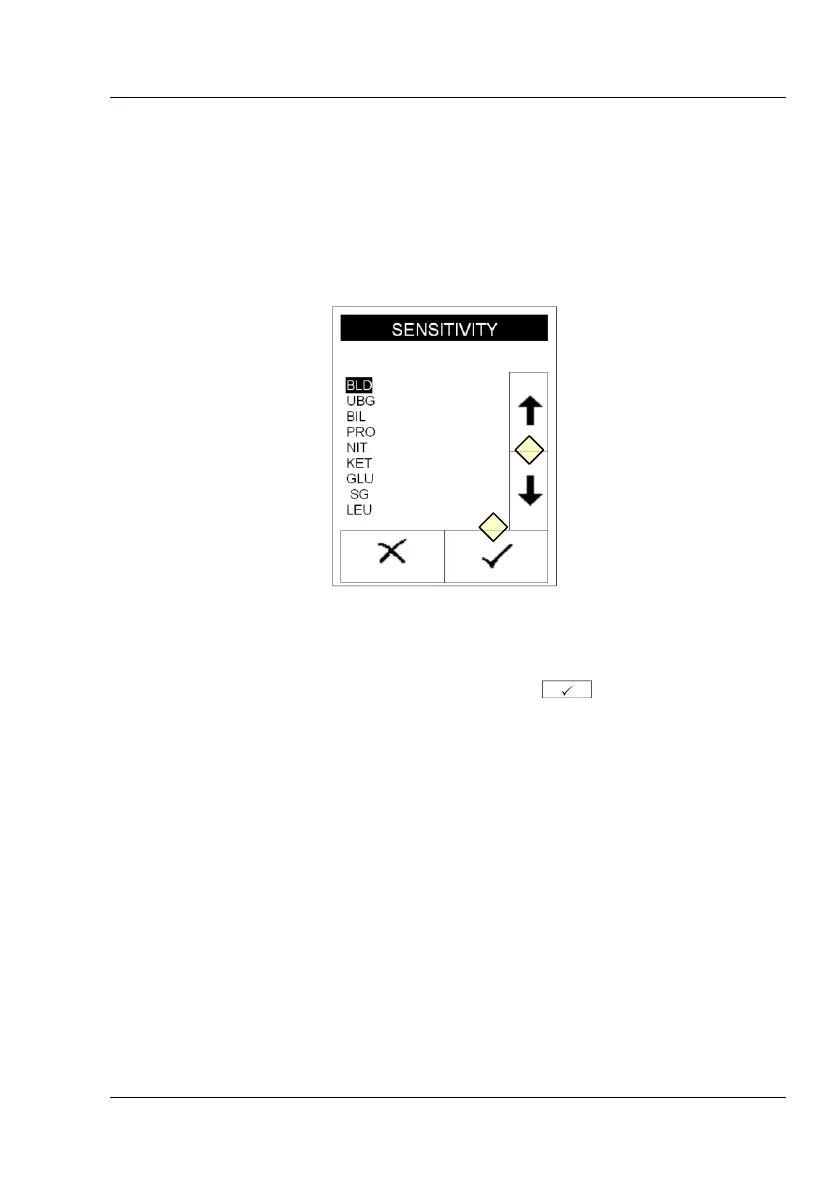
Display 30 : Sensitivity B
Use the arrows to select the parameter that should be modified
(Display 30-4). Confirm your choice by pressing (Display 30-3).



 To Next Page