User manual
Manual EN V2.00 / 06-2009 21
5.5 Changing the sequence number ("SN")
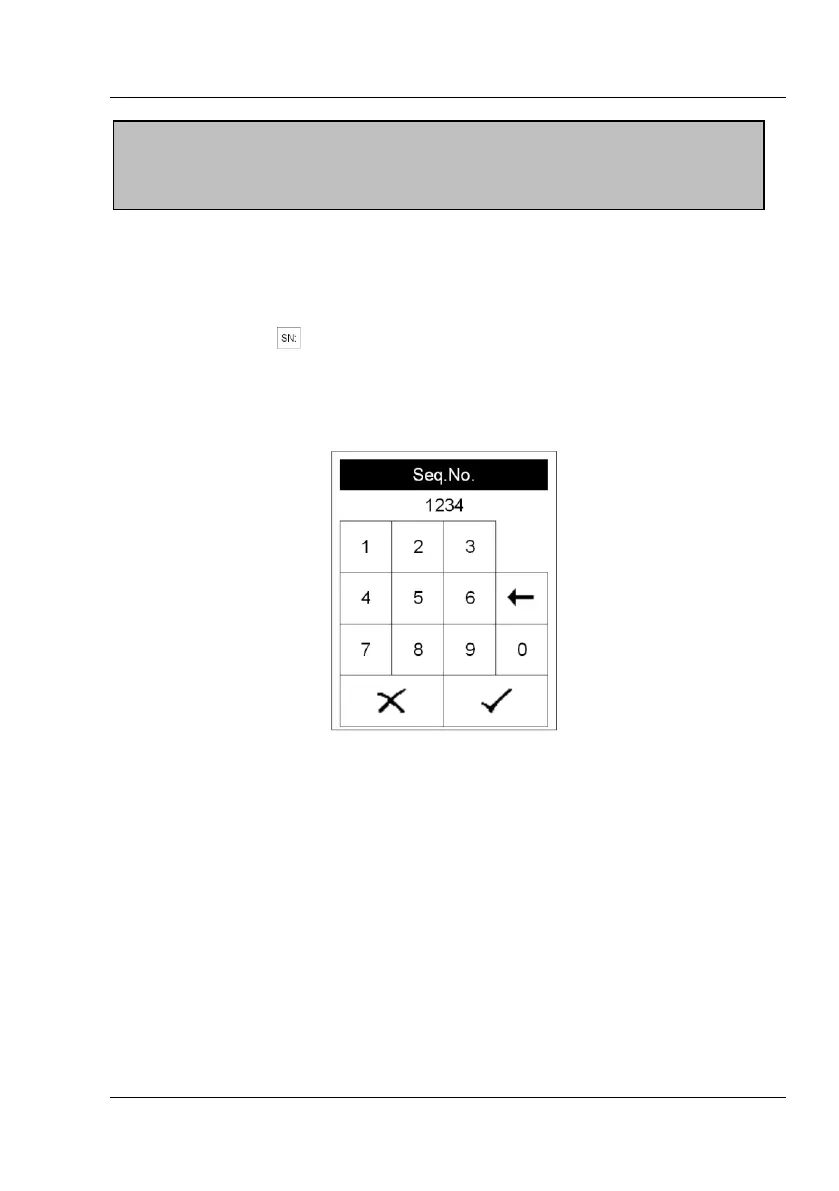
Pressing the field in the start menu brings up a numerical pad. Enter a
new sequence number using the keys on the pad. All following
measurements will now be counted from this number on.
5.6 Transferring data to a PC
The results may be transferred to a PC via the USB- or RS232-interface.
A detailed description of the interface can be found in Chapter 13 Interface
Description.
Attention:
A new ID cannot be entered before the present analysis has been
completed.


 To Next Page