User manual
Manual EN V2.00 / 06-2009 15
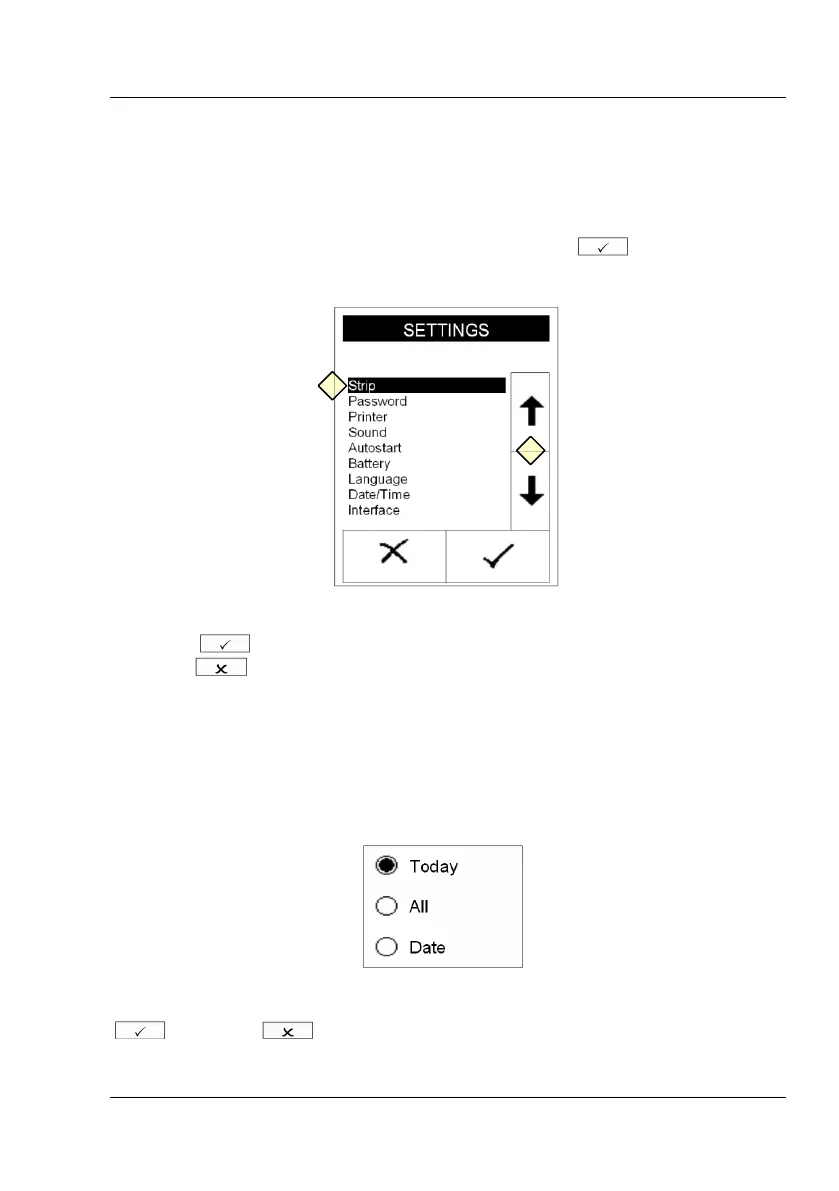
3.7.2 Scroll Arrows
Press the up-and-down arrows on the right side of the screen to scroll
through a list of information on the left side of the screen. Once the desired
information on the left side is highlighted, press to confirm your
selection.
Display 3 : Selective lists
Pressing will select the highlighted line. You can leave the menu by
pressing .
3.7.3 Round buttons
These buttons typically appear on screens that require a selection among
serial items. The button with a filled circle is the current selection.
Pressing the circle will activate a selection. Save your selection by pressing
. Pressing will quit the menu without performing any changes.



 To Next Page