11
Use the arrow buttons to move the highlighter up, down, left, or right, from one
letter/number to another. When the desired letter/number is highlighted, press the
center button to register that selection.
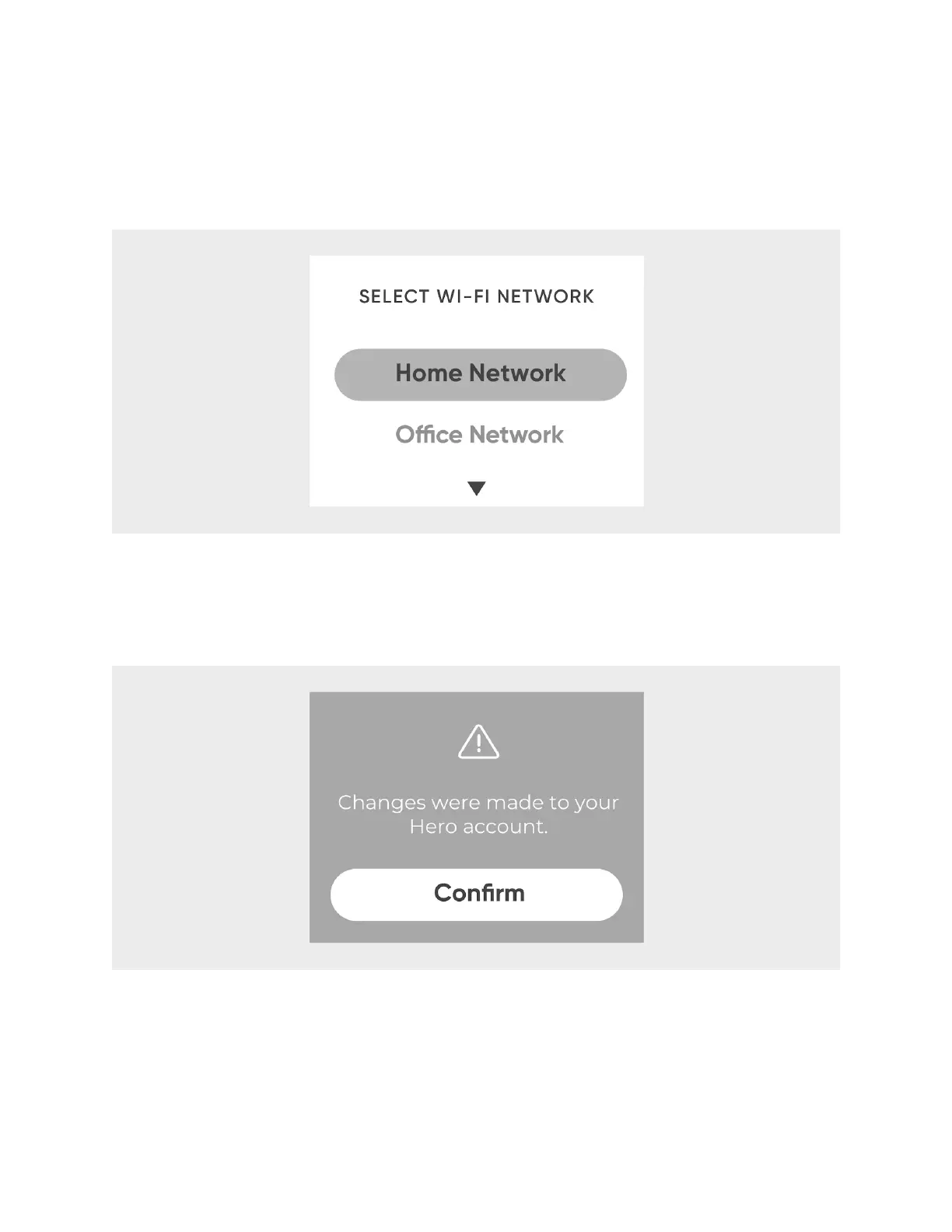
Another example:
Use the up and down arrows to scroll through the options on the screen. When the
desired option is centered in the screen, press the center button to register that
selection.
The center button will also register any option on the LED screen that is blinking.
Additionally, you can back out of any screen by pressing the left arrow button.












 To Next Page