41
medication in that cartridge or any other cartridge at that time. New medication
must be added by following the
Adding a New Medication
instructions.!
NOTE:
Medication can also be removed from Hero via the Hero menu. See Pill
Management for more information.
Refill a Cartridge with Medication
Hero will sense when a medication is running low in a cartridge and will display a
message letting you know. Select
Okay
.!
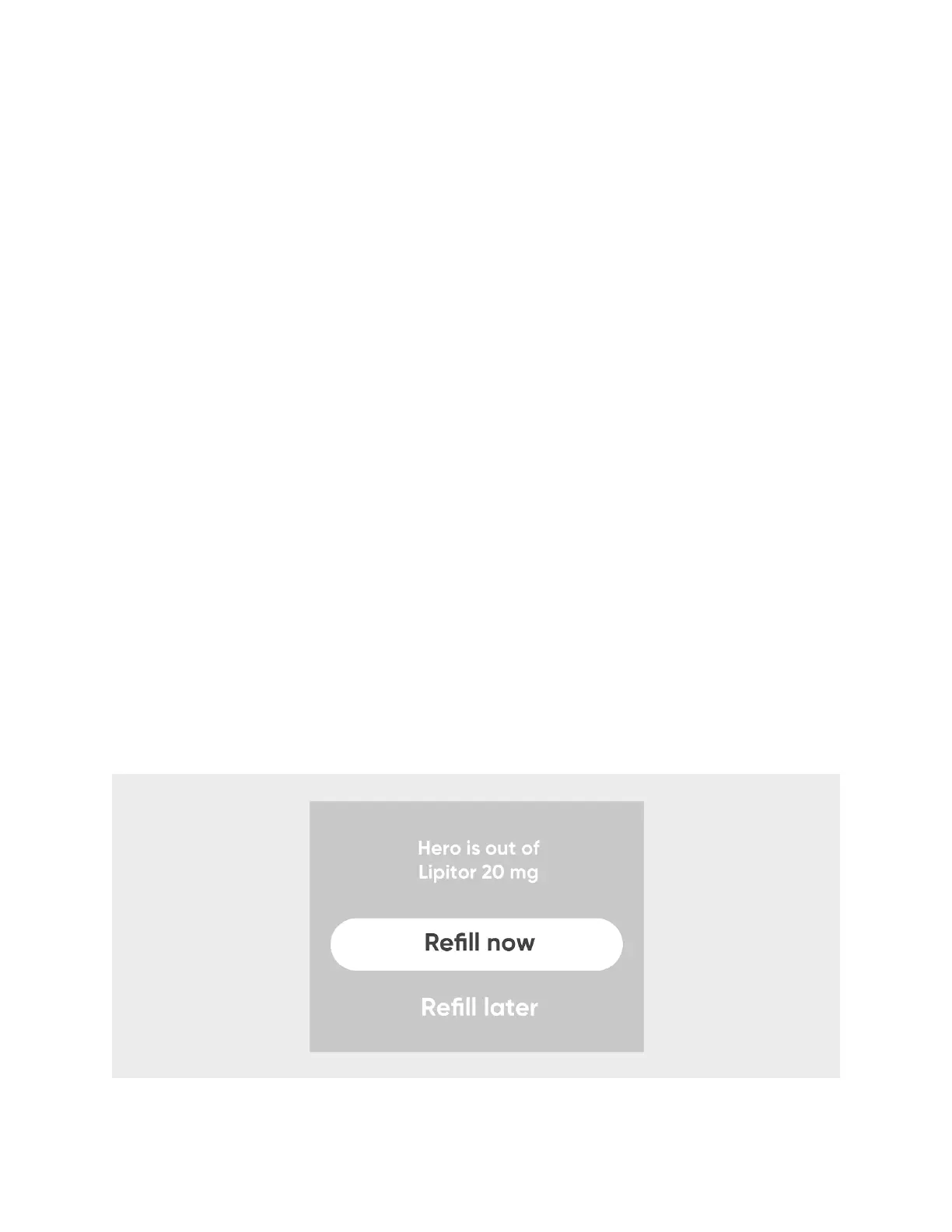
Hero will guide you through the refill process once it tries to dispense but is unable
because the cartridge is empty.
1. Once Hero detects that a cartridge is empty, it will let you
Refill Now
or
Refill Later
.
You may refill later at any time, following the steps in the next section, but to refill
now, continue to step 2.
2. Optionally, add the expiration date of your medication refill. Or,
Skip this step
. If
adding an expiration date:
3. Choose the expiration year.
4. Choose the expiration month.
5. Optionally, enter the number of pills you plan to load into Hero. Or,
Skip Quantity
.
If adding an amount:
6. Use the displayed keypad to enter a quantity.
7. Use the displayed keypad to select
Done
.
8. Confirm the quantity.












 To Next Page