26
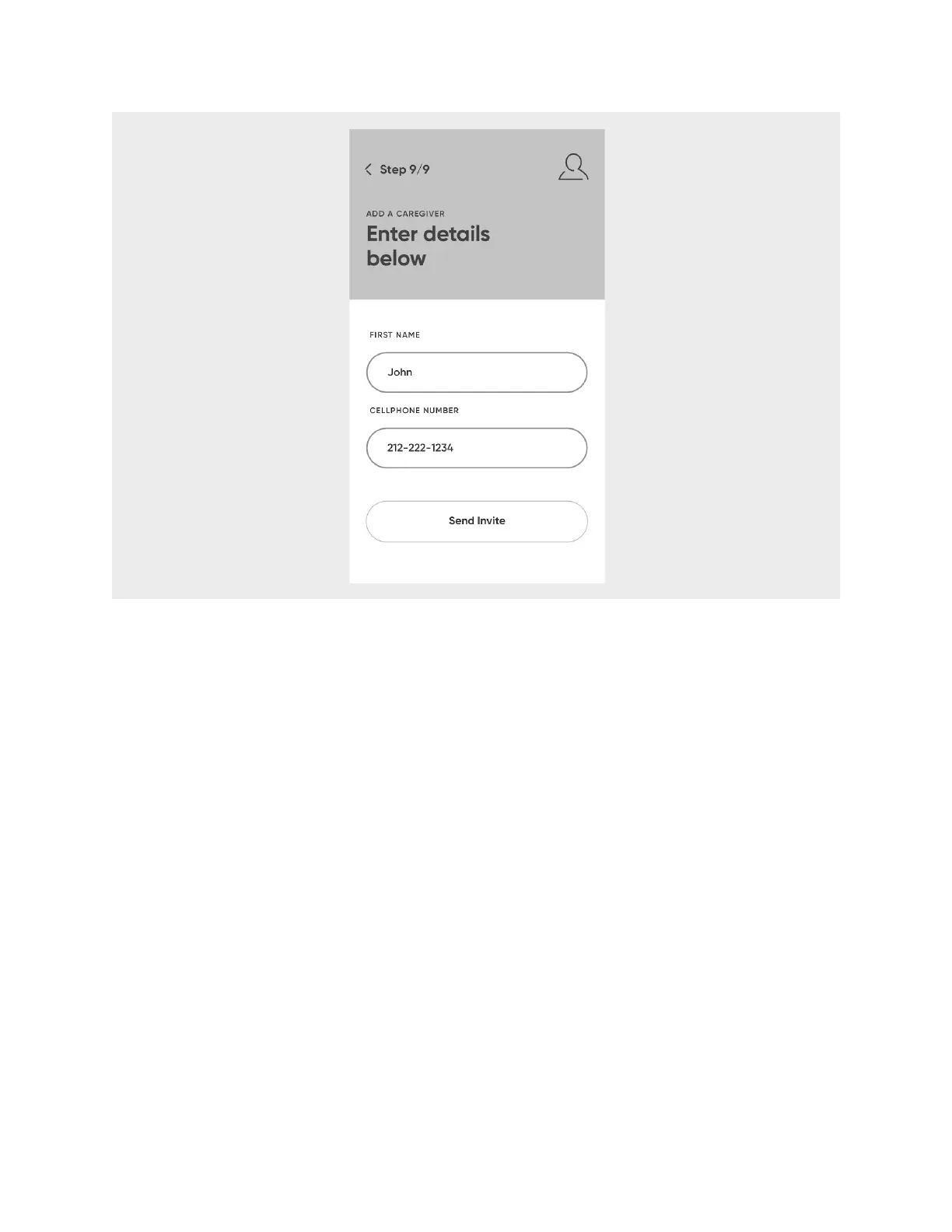
When your contact accepts your invitation, you will be notified. Until they accept, your
contact will be listed as pending in the
Your Caregivers
screen.
You’re done setting up! Select
Explore
to check out the rest of the Hero app.
Dashboard
After you’ve been through the first-run experience, the
Dashboard
will be your app
landing page. It can always be viewed by selecting
Today
at the bottom of the app.
The dashboard displays your
Schedule.
Today’s Schedule
The
Schedule
displays today’s regimen progress and yesterday’s regimen history. For
instance, it will list that you have an upcoming scheduled dose, or that a dose was
recently dispensed, and whether it was scheduled or not.












 To Next Page