68
See Traveling with Hero for more information on Travel Mode.
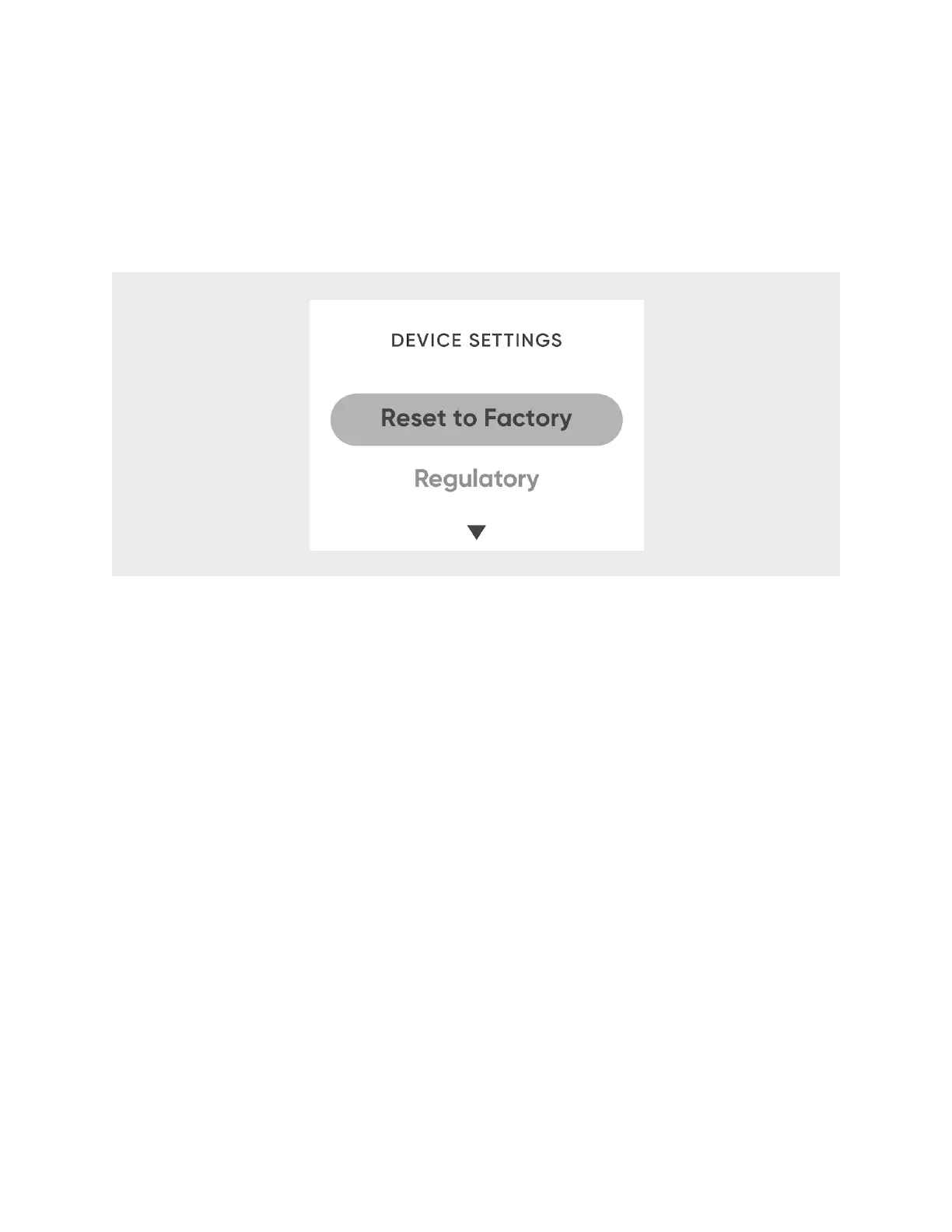
Reset to Factory Settings
1. From
Device Settings
, select
Reset to Factory
.!
2. To confirm, select
Yes
.!
CAUTION:
Resetting your Hero will cause it to lose all data associated with your
account. After resetting, you will have to manually empty any medication stored
inside, reconnect to Wi-Fi, and re-enter your regimens into your account.
Regulatory
Select
Device Settings
>
Regulatory
to read Hero’s regulatory information.
Traveling with and Storing Hero
If you are moving Hero just a short distance and can be sure it will be kept upright, you
should not need to use the travel bar or turn on travel mode. But for longer trips, and
when storing Hero for long periods of time without using it, both features should be
used:
1. On Hero, select
Device Settings
.
2. Select
Travel Mode
.












 To Next Page