71
2. Remove the lock compartment cover, remove the travel bar, and replace the lock
compartment cover.
3. Back on Hero, select
Done
.!
4. Select
Okay
. Hero will then guide you through putting your medications back in the
appropriate cartridges, similar to the Load Medication into Hero section.!
Manual Access to Medication
In case of a power outage, malfunction, or any other situation in which using Hero as
intended is not possible, you can access the medication inside Hero by using the
included safety key.
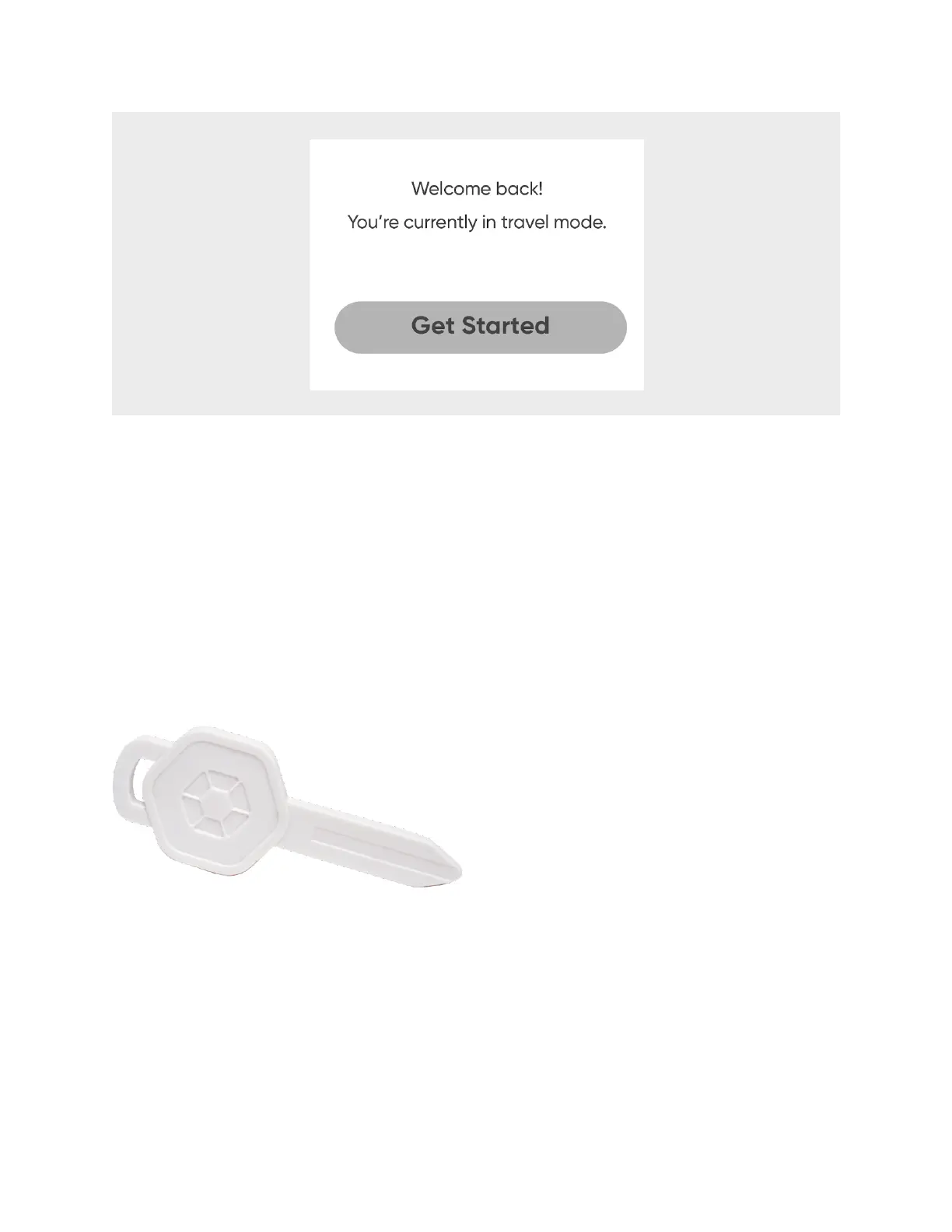
Simply insert the key into the slot marked with the key symbol and the cartridge door
will open. You can also manually rotate the cartridge turntable to access all
cartridges.












 To Next Page