23
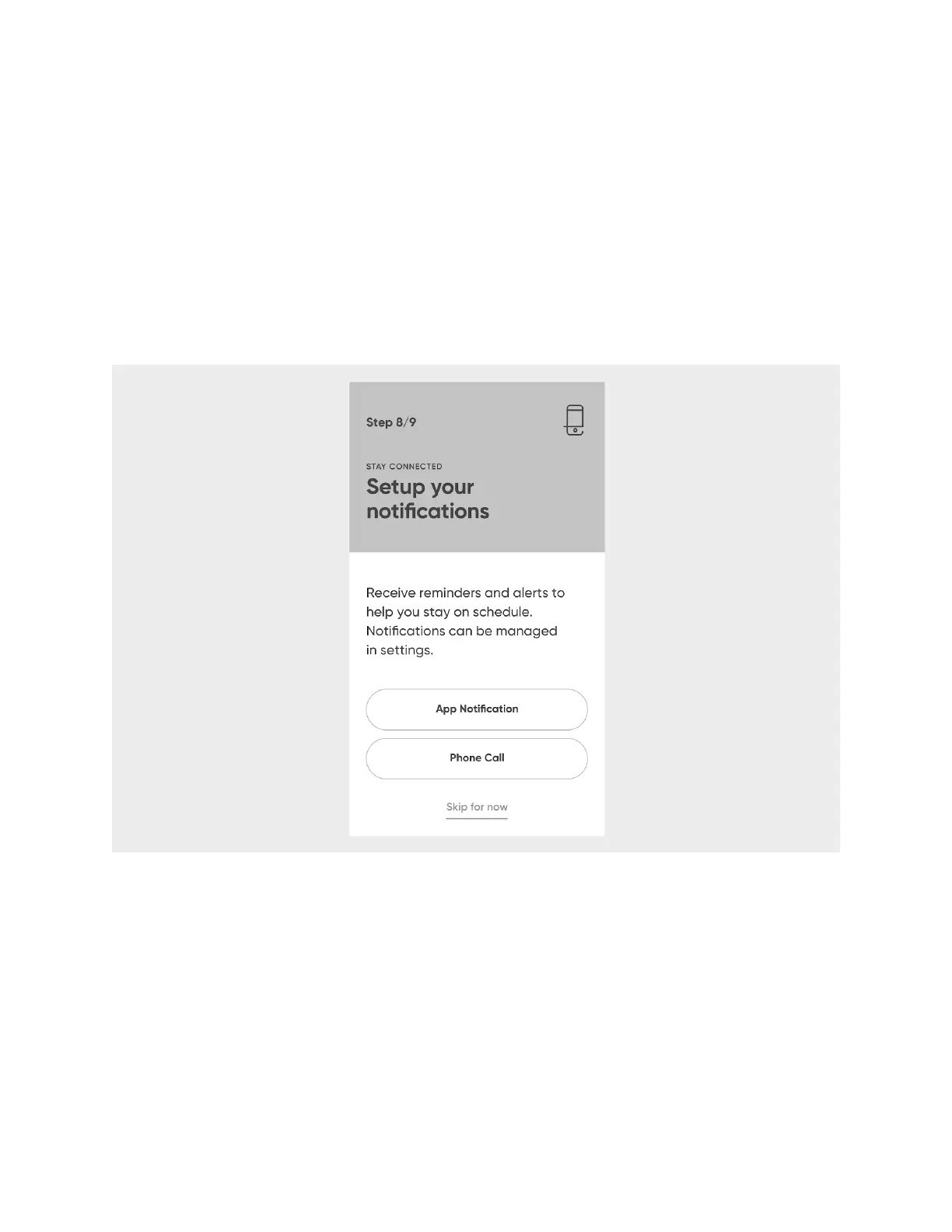
Set Up Notifications
When it’s time for a scheduled dose of medication, Hero will notify you by playing a
chime and displaying that it’s time for your regimen. These Hero notifications can be
customized.!
NOTE
: The following is part of the first-run experience. To learn more about
notifications and how they can be customized, see the Notifications chapter.
Select whether you would like to be notified via the app or via a phone call. You can
also skip this step for now and change your notification preferences later.
Add a Caregiver
Hero will alert you when it’s time to take your medication, but it’s also good to have a
designated Caregiver just in case.!
NOTE
: The following is part of the first-run experience. To learn more about who
caregivers are and what they can and cannot do, see the Caregivers chapter.
Select whether you want to
Choose contact
(from the contacts saved in your smart
phone),
Add Manually
, or
Skip for now
.












 To Next Page