20
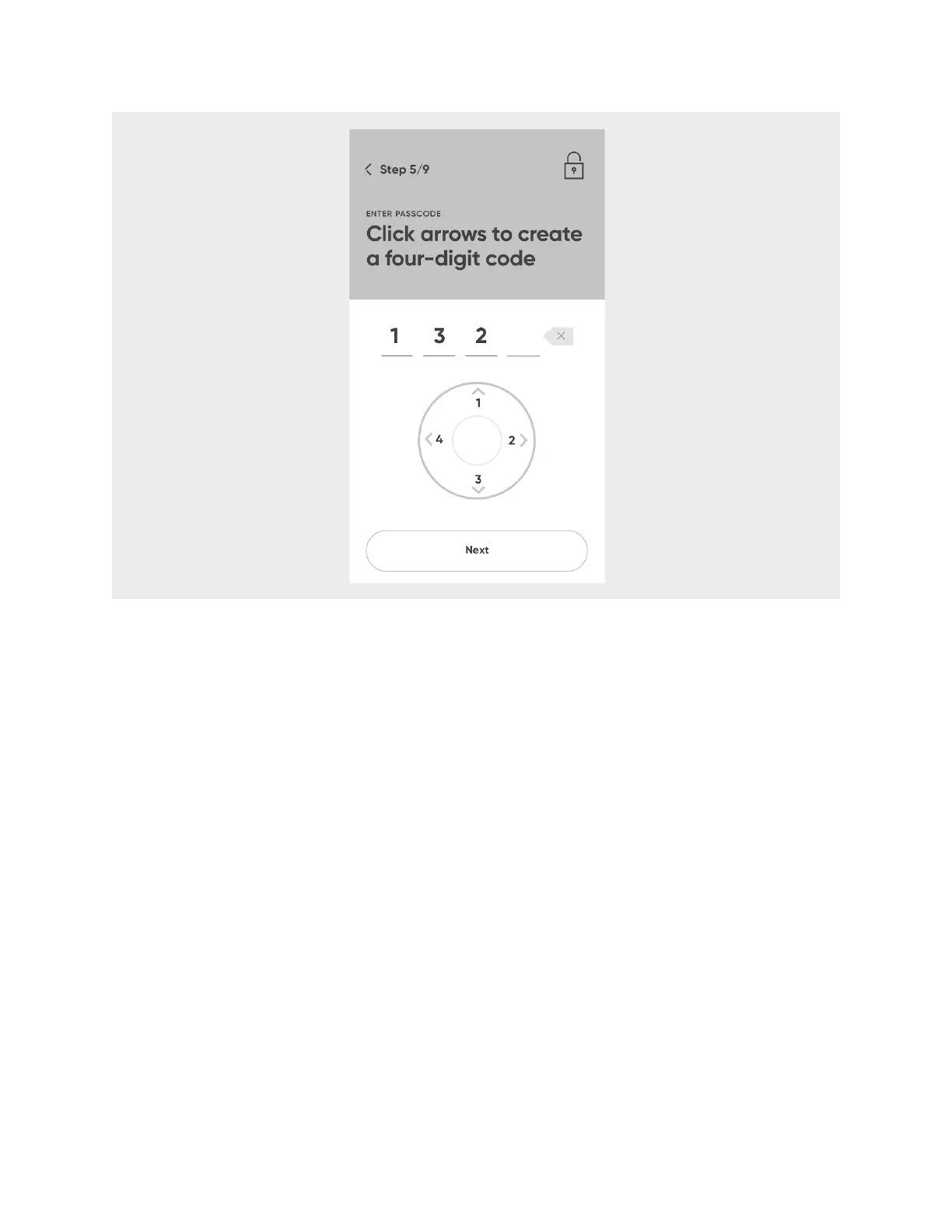
18. Select Confirm passcode.
19. On Hero, select
Okay
.
Load Medication into Hero
After entering in your medication information into your account, that data will be sent
to your Hero. This process may take a few minutes, and then Hero will be ready to have
medication loaded. Keep your empty pill bottles on hand in case you need to refer to
them later.
1. Hero will let you know it’s preparing to have you load your first medication. Select
Okay
.
2. Hero’s cartridge door will open. Remove cartridge 1 by grasping the bottom, slightly
pinching with thumb and forefinger, and pulling out.
CAUTION:
Be sure not to put any pressure on the cartridge door.












 To Next Page