35
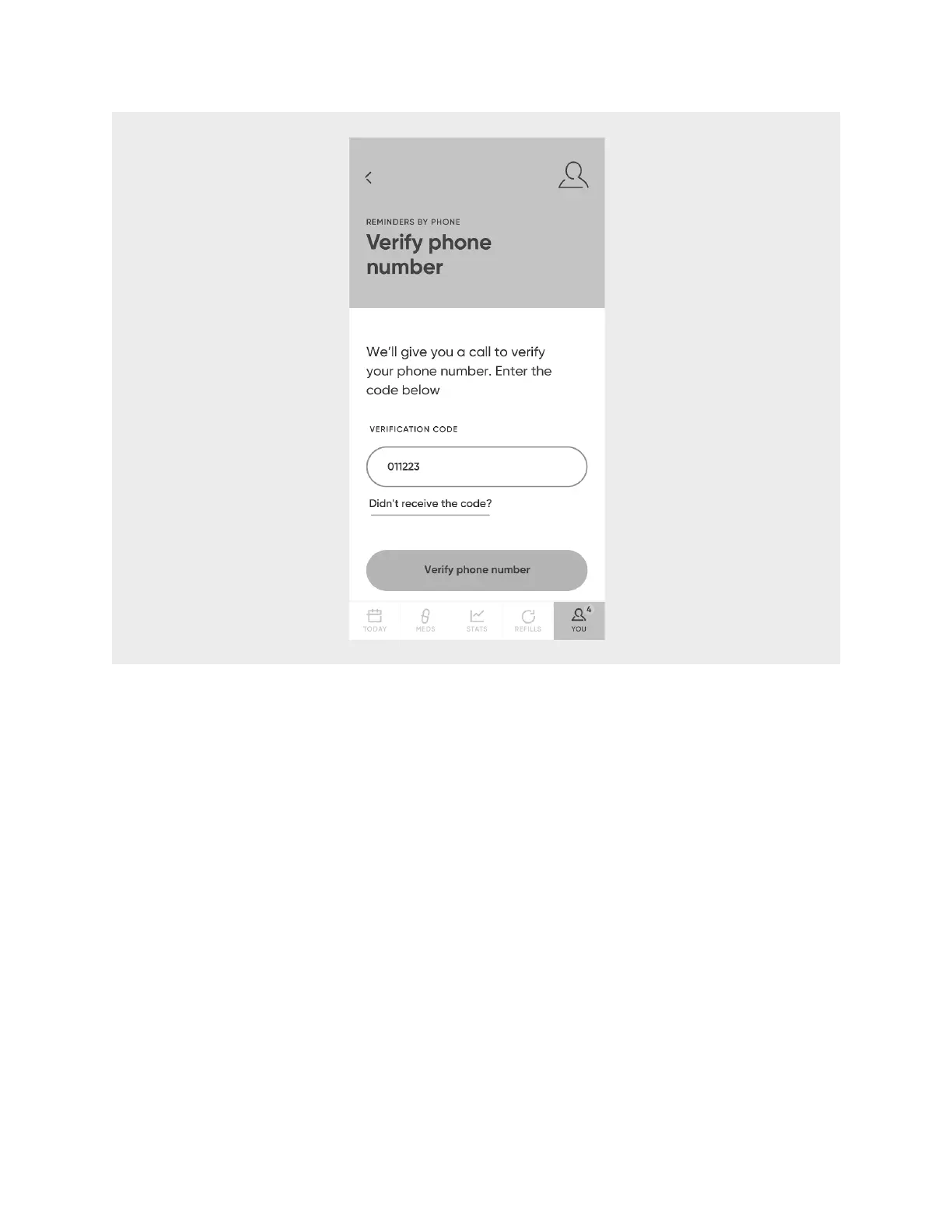
8. Select
Close
.
NOTE
: You also have the option of receiving notifications via SMS by setting your
preferences once logged in on the Hero website.
Manage Medications
You can view/edit, add, and remove medications from your account and from Hero
at any time. Additionally, you can refill a medication once Hero has run out.
View/Edit a Medication
Select the
Meds
menu to view a list of all the medications in your account. Select any
one to view and/or edit information about it, including:
• Amount Remaining
• Cartridge Slot number
• Expiration Date












 To Next Page