39
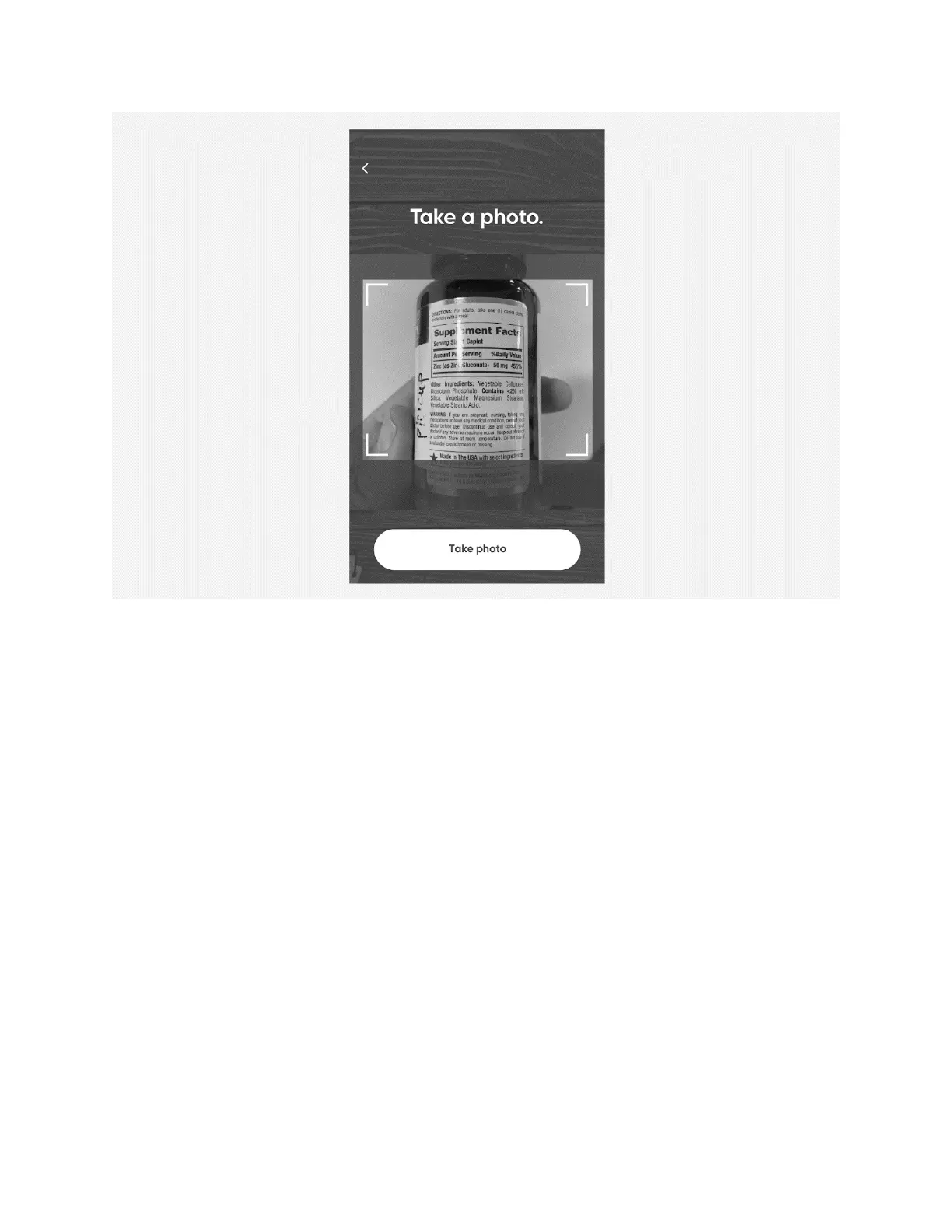
6. Select
Take Photo
.
7. Select
Use Photo
or choose to
Retake
the photo.
8. Select
Finished
.
9. Select
Continue
or
Make Changes
.
10. Select
Confirm
on Hero.
11. Select
Okay
on Hero.!
Hero will open its door to the next available cartridge. Remove the cartridge, fill it with
the appropriate medication, return the cartridge, and close the door.
12. Back on the app, select
Close
.
Remove a Schedule
1. Open the
Meds
menu in the Hero app.
2. Select the schedule you would like to remove.
3. Select
Remove Schedule
.
4. On Hero, select
Confirm
.
5. Back on the app, select
Close
.












 To Next Page