38
2. Follow steps 1-13 in the Enter Medication Information into Your Account and Load
Medication into Hero sections in The First-Run Experience.
3. If you have the Drug Monitoring feature enabled, and if this new medication
interacts with any existing medications, the app will display a warning. After
reading about the possible interactions, select either
Stop Adding Medication
or
Continue Adding Medication
.
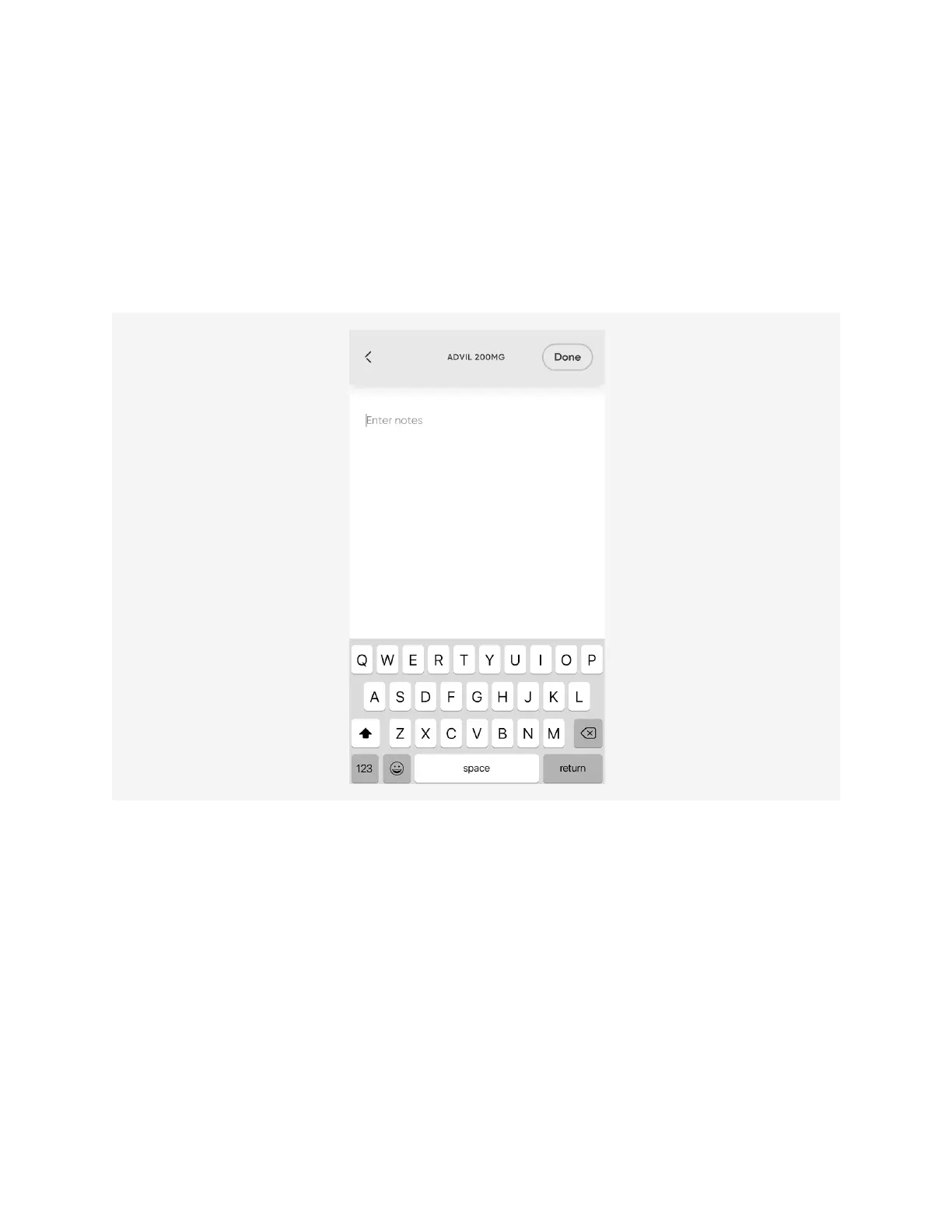
4. Optionally
Add Notes
about this medication that you can view at any time in the
app.
5. Optionally add a
photo
of your medication bottle using your smart phone’s native
camera. Photos can also be added, viewed, and deleted via the
Meds
menu. See
Managing Medication
for more information.












 To Next Page