37
Passcode
Select this option to apply the already-saved passcode (in
You
>
Account and
Security
>
Your Hero passcode
) to this particular medication.
View/Edit a Schedule
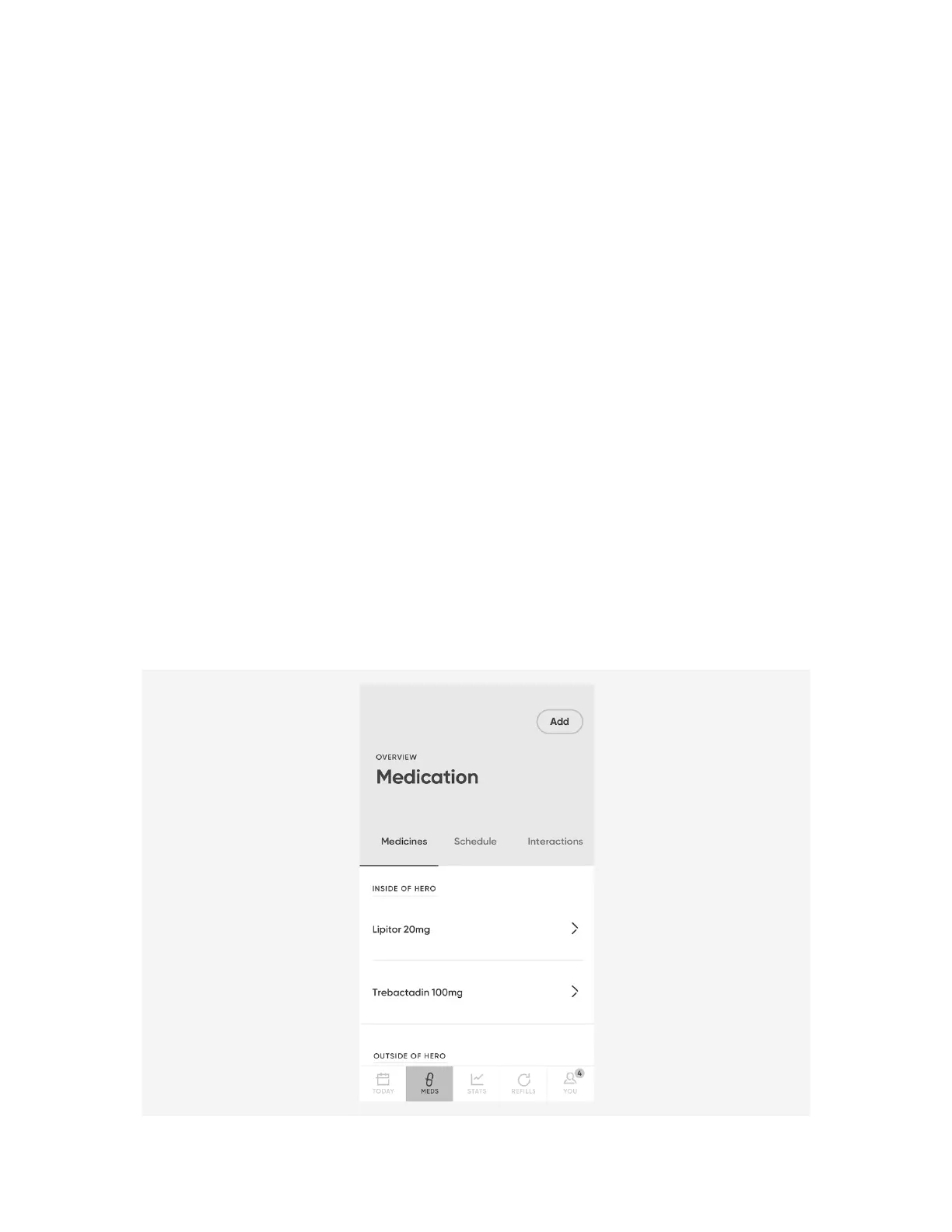
1. From the
Meds
menu, select the schedule you would like to edit.
Tap on any detail of the medication to make changes. For instance, select the time
field to change the time at which the medication should be dispensed.
NOTE
: Dose strength and Expiration date cannot be edited. To change the dose
strength or expiration date of a medication, remove the medication from your
account and from Hero, and then re-add it with the new dose strength or
expiration date.
2. When finished making edits, select
Save Schedule
. The updated information will
be sent to Hero.
3. On Hero, select
Confirm
.
4. Back in the app, select
Close
.
Add a New Medication
1. From the
Meds
menu, select
Add
.












 To Next Page