40
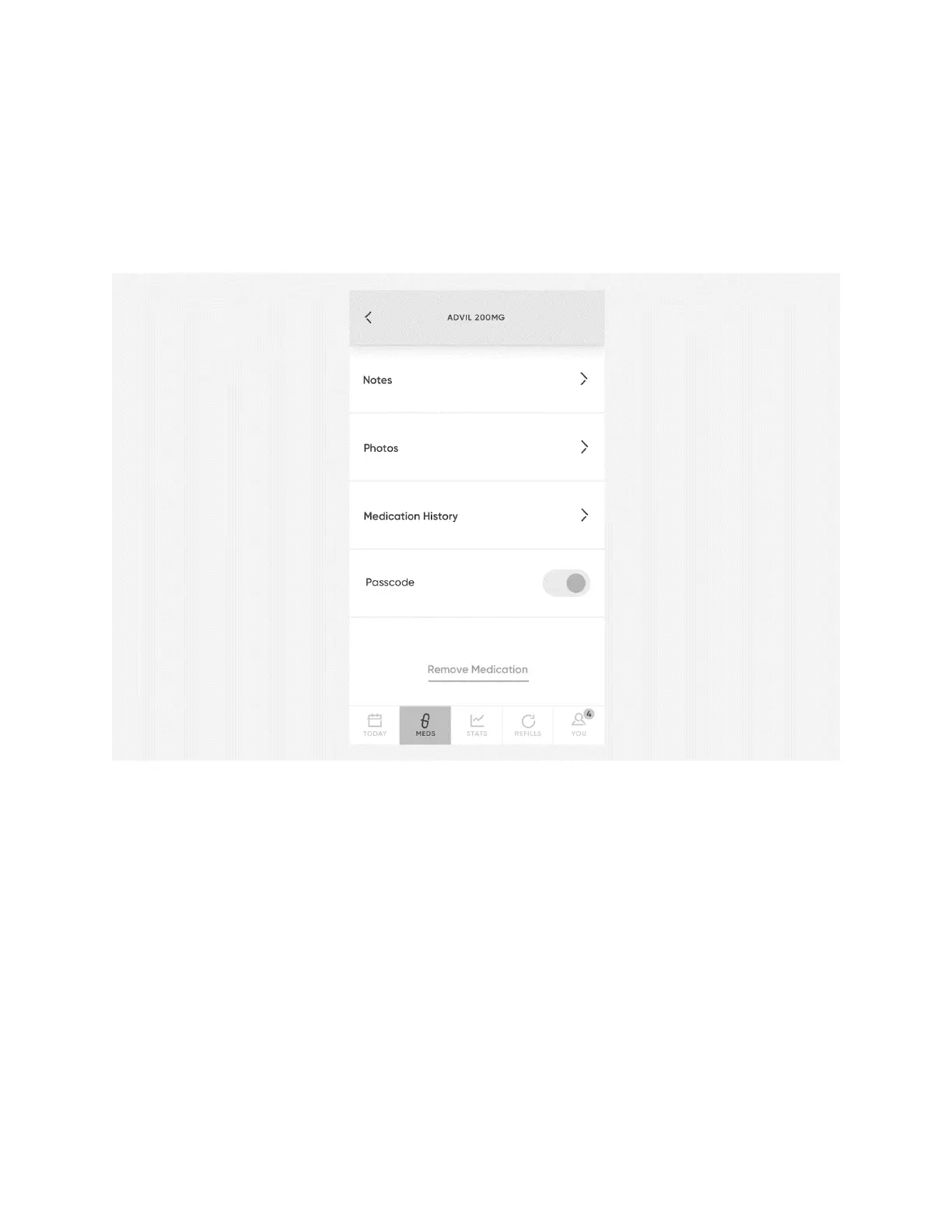
Remove a Medication from Hero
1. Open the
Meds
menu in the Hero app.
2. Select the medication you would like to remove.
3. Scroll to the bottom of the screen and select
Remove
Medication
.
4. Select
Remove Medication
again to confirm.
5. On Hero, select
Confirm
.!
6. On Hero, select
Okay
to confirm you want to remove the displayed medication.
7. The cartridge door will open. Remove the cartridge.
CAUTION:
Be sure not to put any pressure on the cartridge door.
8. Empty any medication in the cartridge, clean the cartridge according to the
instructions in chapter 18, and return the cartridge to Hero.
9. Close the cartridge door.
10. On Hero, select
Okay
.
11. Back on the app, select
Close
.
CAUTION
: When removing a cartridge and its medication, do not put new












 To Next Page