67
About
Select
Device Settings
>
About
to view your Hero’s firmware version, serial number,
and the email address associated with your account.!
Network Info
Select
Device Settings
>
Network Info
to view the name of the Wi-Fi network Hero is
connected to, its IP address, and its signal strength.
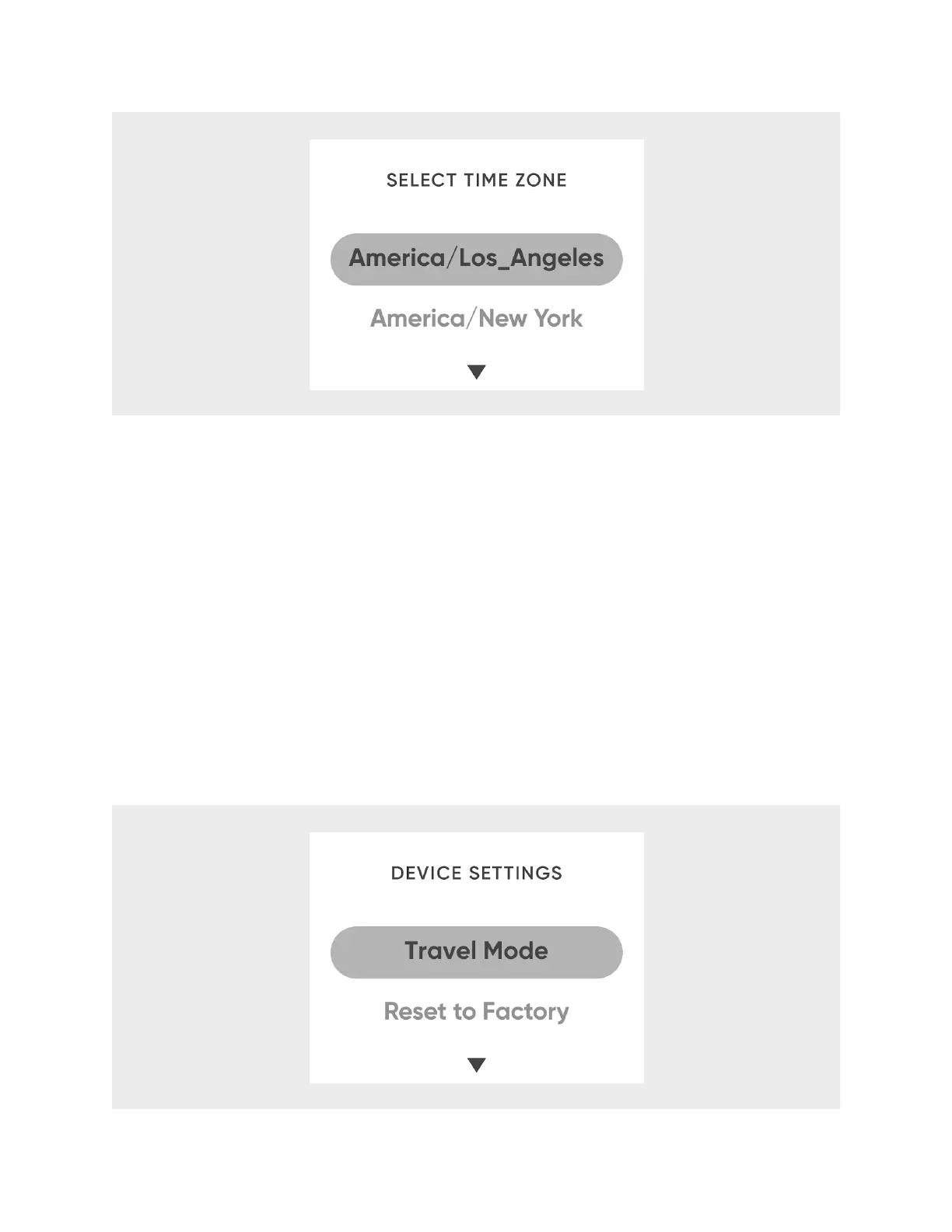
Travel Mode
To turn on Travel Mode:
From
Device Settings
, select
Travel Mode
.












 To Next Page