46
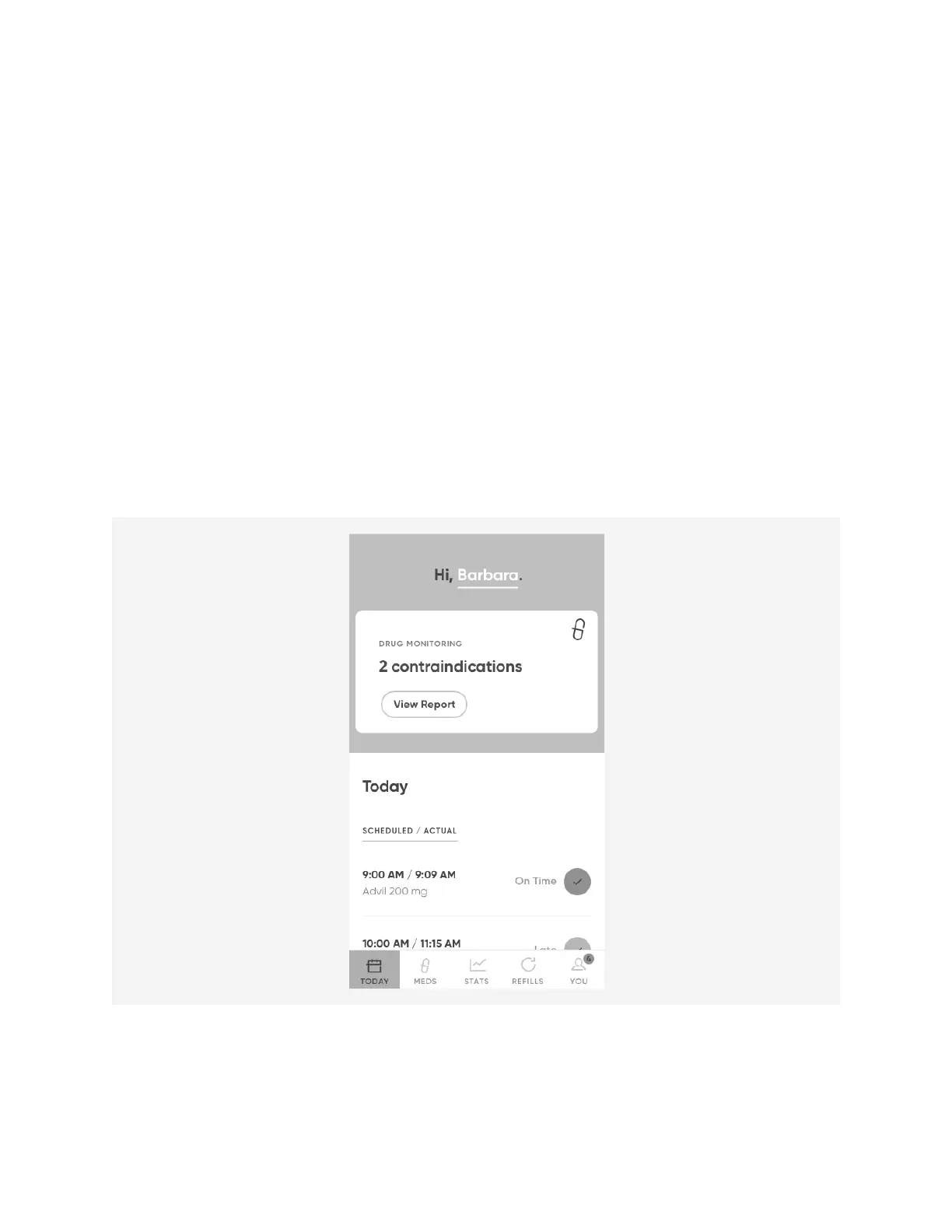
Drug Monitoring (beta)
The
Drug Monitoring
feature checks your medications to see if there are any
interactions between them that you should be aware of.
NOTE:
The
Drug Monitoring
feature is different than the
Meds
>
Choose Med
>
Drug
Information
>
Drug Interactions
option.
Drug Monitoring
checks interactions
between medications you have loaded in Hero, whereas
Drug Interactions
lists any
possible interactions for that one particular medication.
To enable Drug Monitoring:
1. Navigate to
You
>
Manage Features
>
Drug Monitoring
.
2. Tap the toggle to the
ON
position. At any time, you can tag the toggle back off to
disable drug monitoring.
When Drug Monitoring is enabled, the app will display any interactions right on the
dashboard.
To view interactions:
1. Select
View Report
to view the detected interactions. The app will bring you to the
new Interactions tab of the
Meds
menu.












 To Next Page