63
Hero Settings
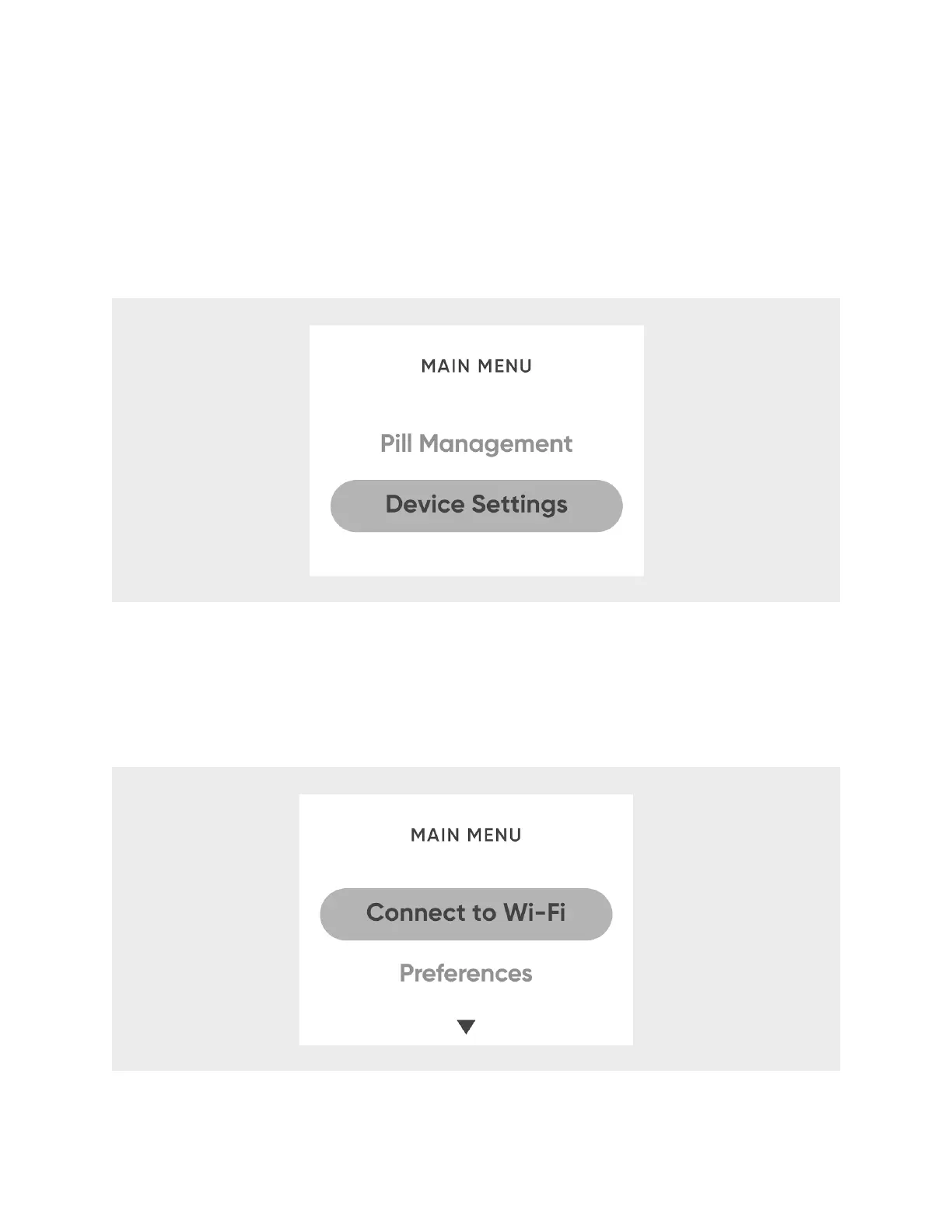
Use your Hero’s
Device Settings
menu to set the volume, change brightness, set the
time, change your Wi-Fi network, and more.
1. On Hero, press any button.
2. Select
Device Settings
.
Change or Reconnect to Wi-Fi Networks
If you become disconnected from your Wi-Fi network, or for any other reason need to
reconnect to Wi-Fi:
1. From
Device Settings
, select
Connect to Wi-Fi
.
2. Select
Change Network
. Hero will search for available networks.












 To Next Page