19
15. The passcode feature limits access by others, such as children who may be able to
reach Hero. It requires you to enter a four-digit code using the Hero interface in
order for Hero to dispense. If you would like to implement the passcode, select
Add
a passcode
. Otherwise, select
No Thanks
and skip to Load Medication into Hero,
below.
NOTE:
You can always add a safety lock later. See Account Settings for more
information.
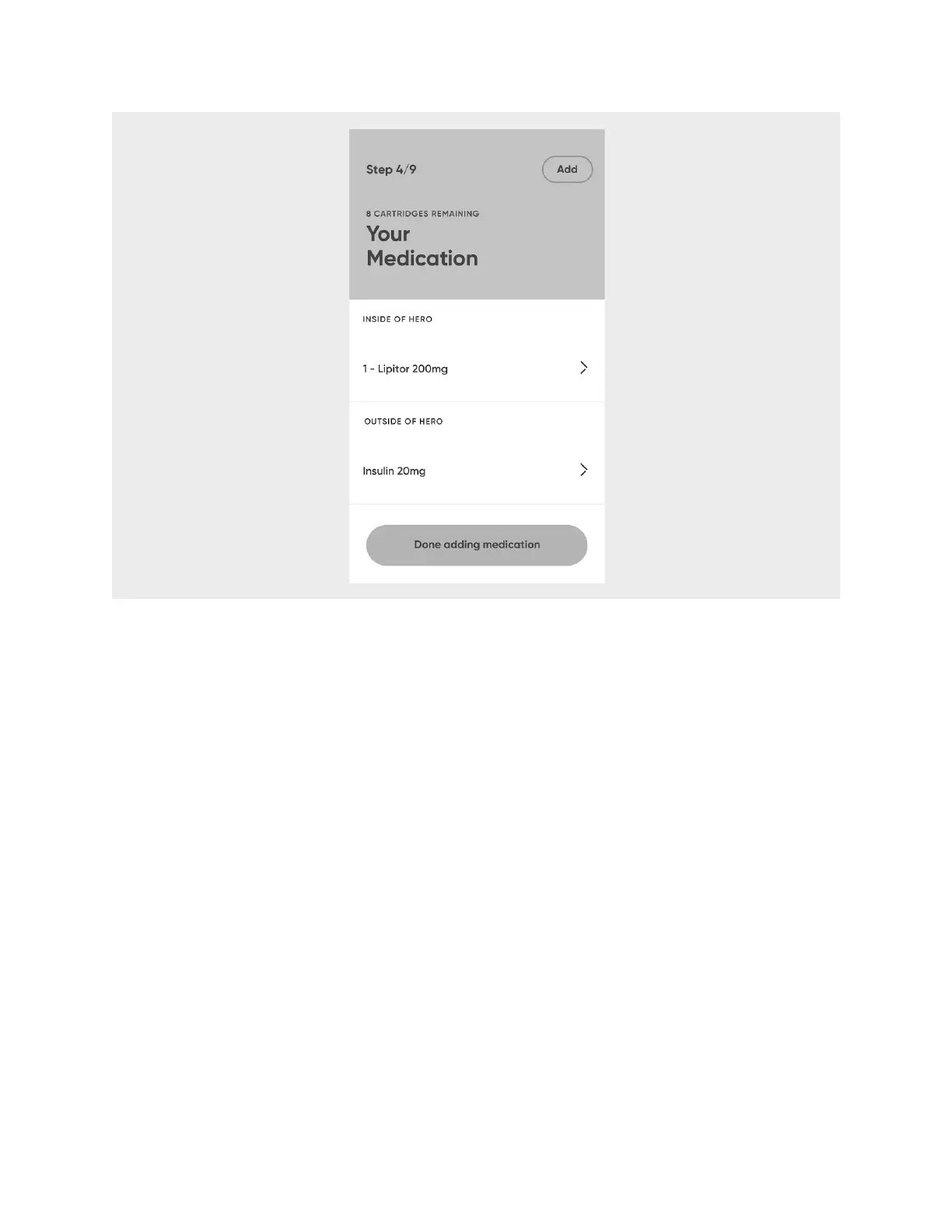
16. The app will display all the medications in your account. By default, they will all be
selected to have a safety lock. Deselect any medications you wish to not have a
safety lock. Select
Next
.
17. An image of the buttons of the Hero interface will display with a number assigned
to each button. Create a passcode using the numbers 1, 2, 3, and 4, in any order,
by selecting the buttons on the screen in that order.












 To Next Page