18
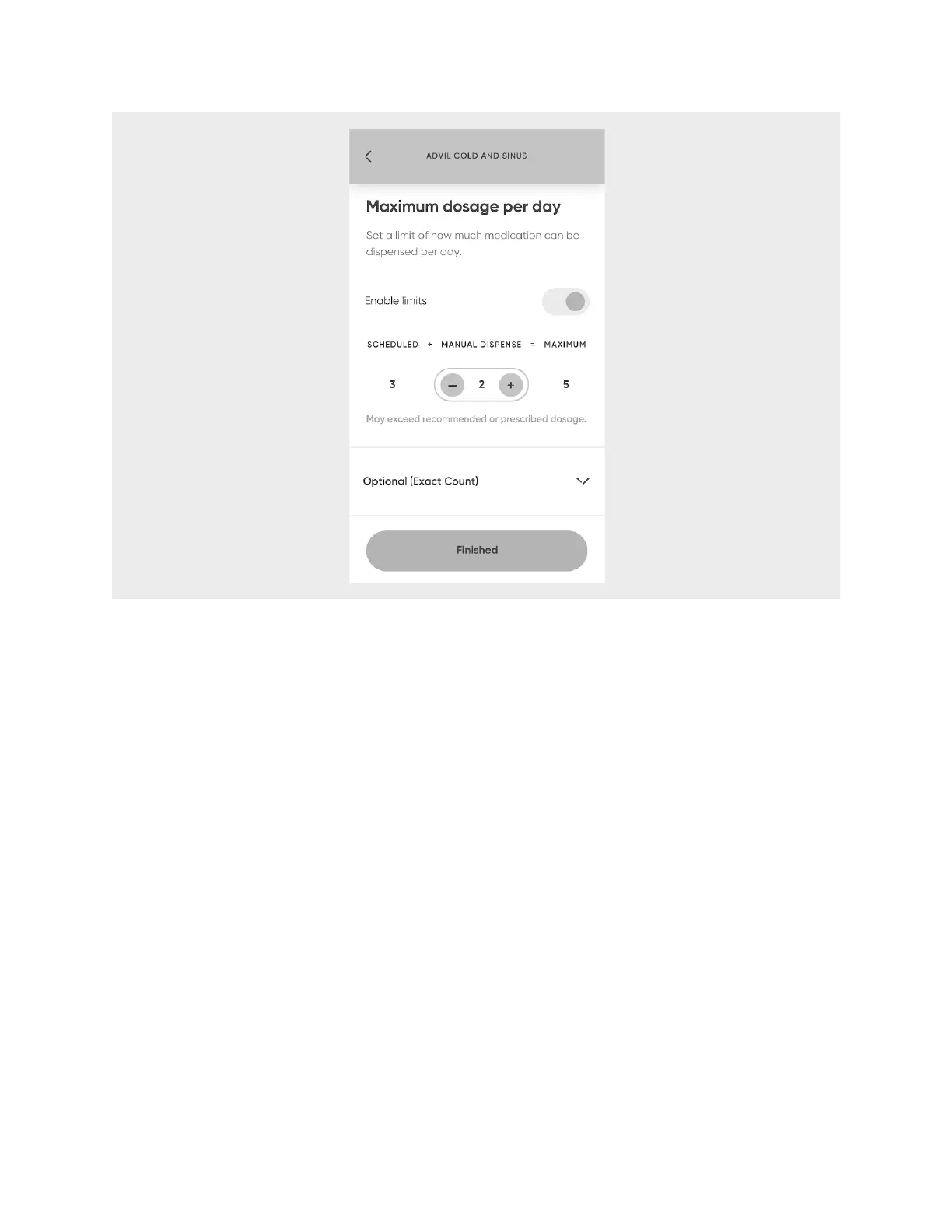
12. When finished entering all information about your first medication, select
Finished
.
13. Select
Continue
to confirm the details and schedule.!
To add more medications, select
Add
and repeat steps 1-14 for up to nine more
medications. After each medication is added to your account, the app will update you
on the number of medication cartridge slots available. It will also list all medications
already entered and allow you to edit them.
14. When finished, select
Done adding medication
.












 To Next Page