16
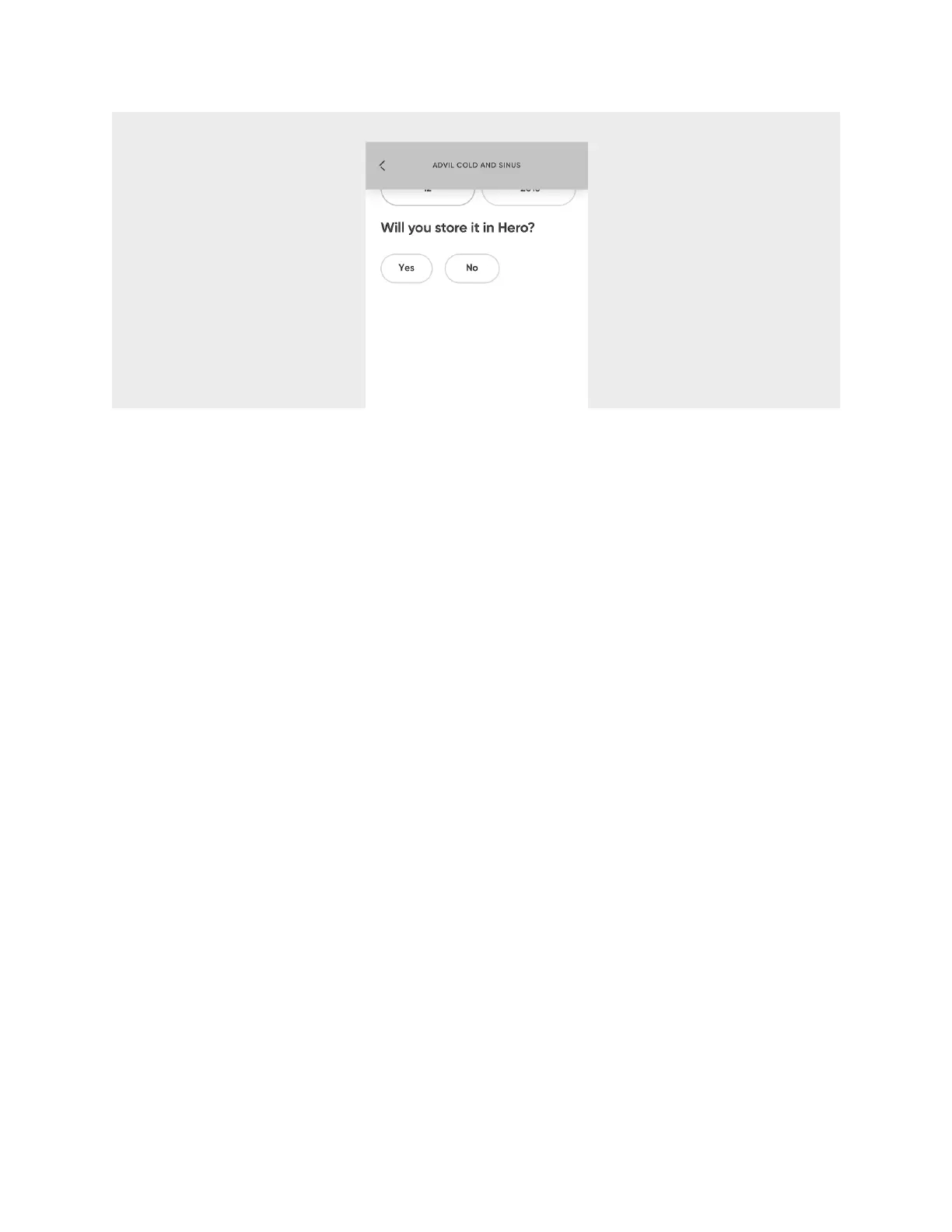
WARNING:
Partial pills, liquid medications, and medications that require refrigeration
cannot be stored in Hero. If you add them to your account, be sure to select
NO
in
step 6.
7. Choose whether you take the medication at a
Scheduled Time
or
As Needed
.
8. If
As Needed
, select
Finished
. If at a
Scheduled Time
, continue with the steps
below.
a. Choose
Everyday
if you take this medication at least once a day or choose
Select Days
if you take this medication only on certain days as indicated on
the prescription label.
b. Select
+Add Time
.
c. Use the scroll wheel to set the hour, minute, and AM/PM.
d. Select
Confirm
.
e. Use the
+
and
-
buttons to set the number of pills you take.
f. If you take this medication multiple times per day, add more times as necessary.
g. Select
Save Schedule
.
h. Optionally, create another schedule for this medication by selecting
+Add
schedule
. For instance, if you take this medication once per day on certain
days, and twice per day on other days, you’ll need to create an additional
schedule.












 To Next Page