AB1101en_SARev.: 03 / 11.2023
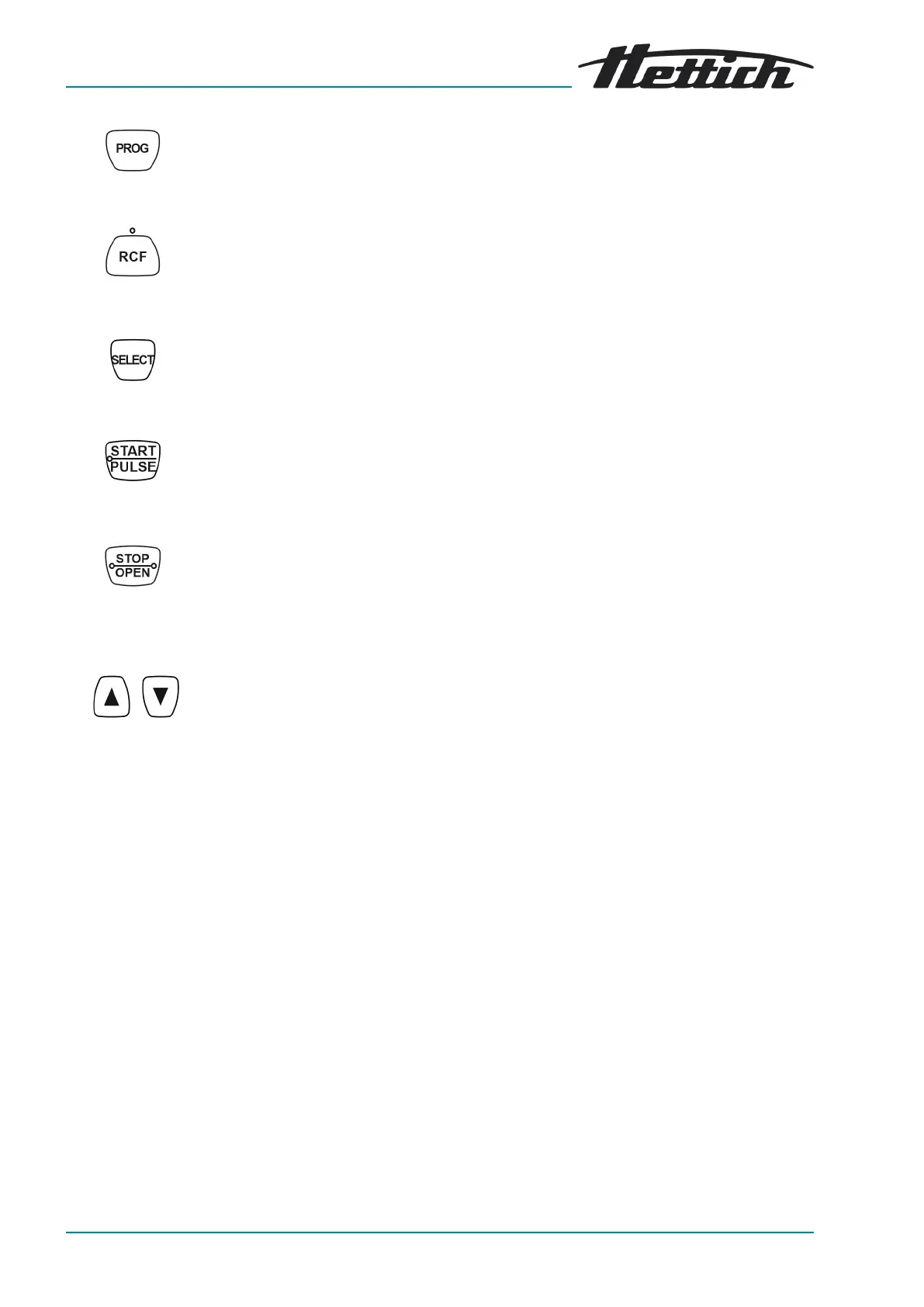
Fig. 10: [PROG] button
Fig. 11: [RCF] button
Fig. 12: [SELECT] button
Fig. 13: [START/PULSE] button
Fig. 14: [STOP/OPEN] button
Fig. 15: Setting buttons
■ Retrieve programs.
■
Save programs.
■ Toggle between RCF indicator and RPM indicator.
■
Relative centrifugal force, RCF.
The RCF is displayed in brackets ñá.
■
Speed, RPM.
■ Selecting the individual parameters.
■
Open
‘MACHINE MENU’
.
■ Scroll forward in the menus.
■ Start centrifugation run.
■
Short-term centrifugation. The centrifugation run takes place as long as
the button is being pressed.
■ Save entries and changes.
■
End the centrifugation run.
The rotor coasts to a stop with the preselected ramp-down parameter.
■
Pressing the button twice triggers the quick stop function.
■
Unlock the lid.
■
Exit parameter input and the menus
■
Change the value of a parameter.
■
The value changes at an increasing rate if the button is held down.
3.6
Original spare parts
Only use original spare parts from the manufacturer and approved accesso-
ries.
3.7
Scope of supply
The following accessories are supplied with the centrifuge:
■ 2 Fuse link
■ 1 hex key (SW5x100)
■ 1 power cable
■
1 user manual
■
1 instruction sheet, transport lock
■
1 Emergency release instruction sheet
Rotors and the corresponding accessories are supplied depending on the
order.



 To Next Page