CHAPTER 3
The Menu System
Studio Command Series User Manual 27
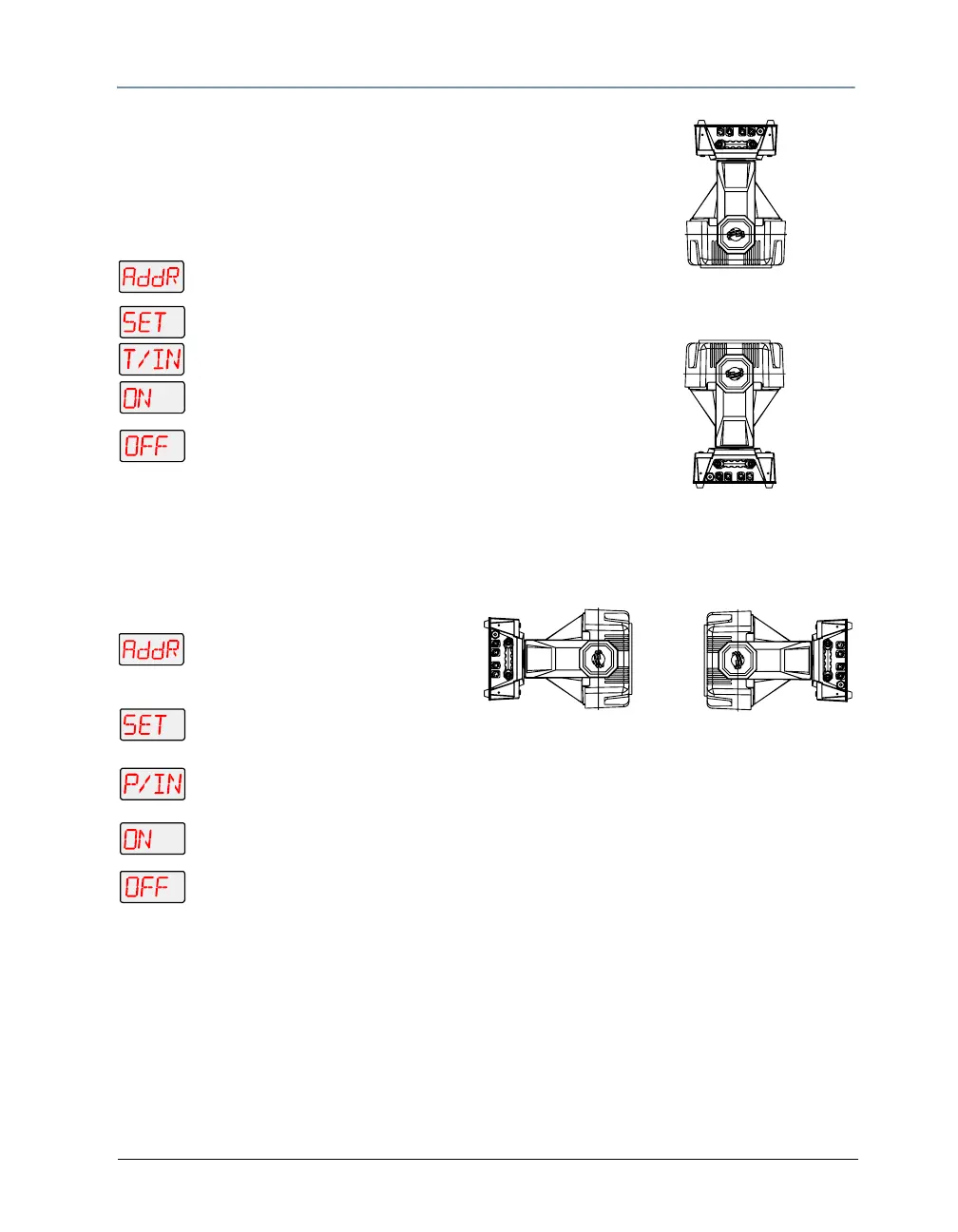
Inverting Tilt (T/IN)
Vertically opposing fixtures
This menu item inverts the direction of the tilt motor, to allow
fixtures mounted opposite each other vertically to respond to
tilt movement commands in the same direction.
To invert the fixture’s tilt motion:
1. Press and hold <Menu> until AddR appears on
the LED display.
2. Scroll to the SET menu. Press <Enter> to select.
3. Scroll to the T/IN menu. Press <Enter> to select.
4.
or
Scroll to ON to invert the fixture’s tilt motion, or
OFF to return the fixture’s tilt motion to normal
orientation.
5. Press <Enter> to store.
Inverting Pan (P/IN)
This menu item inverts the direction of the pan motor, to allow fixtures mounted opposite each
other horizontally to respond to pan movement commands in the same direction.
To invert the fixture’s pan motion:
1. Press and hold <Menu> until
AddR appears on the LED
display.
2. Scroll to the SET menu. Press
<Enter> to select.
3. Scroll to the P/IN menu. Press <Enter> to select.
4.
or
Scroll to ON to invert the fixture’s pan motion, or OFF to return the fixture’s pan
motion to normal orientation.
5. Press <Enter> to store.
Horizontally opposing fixtures



 To Next Page