Studio Command Series User Manual 93
Appendix D:
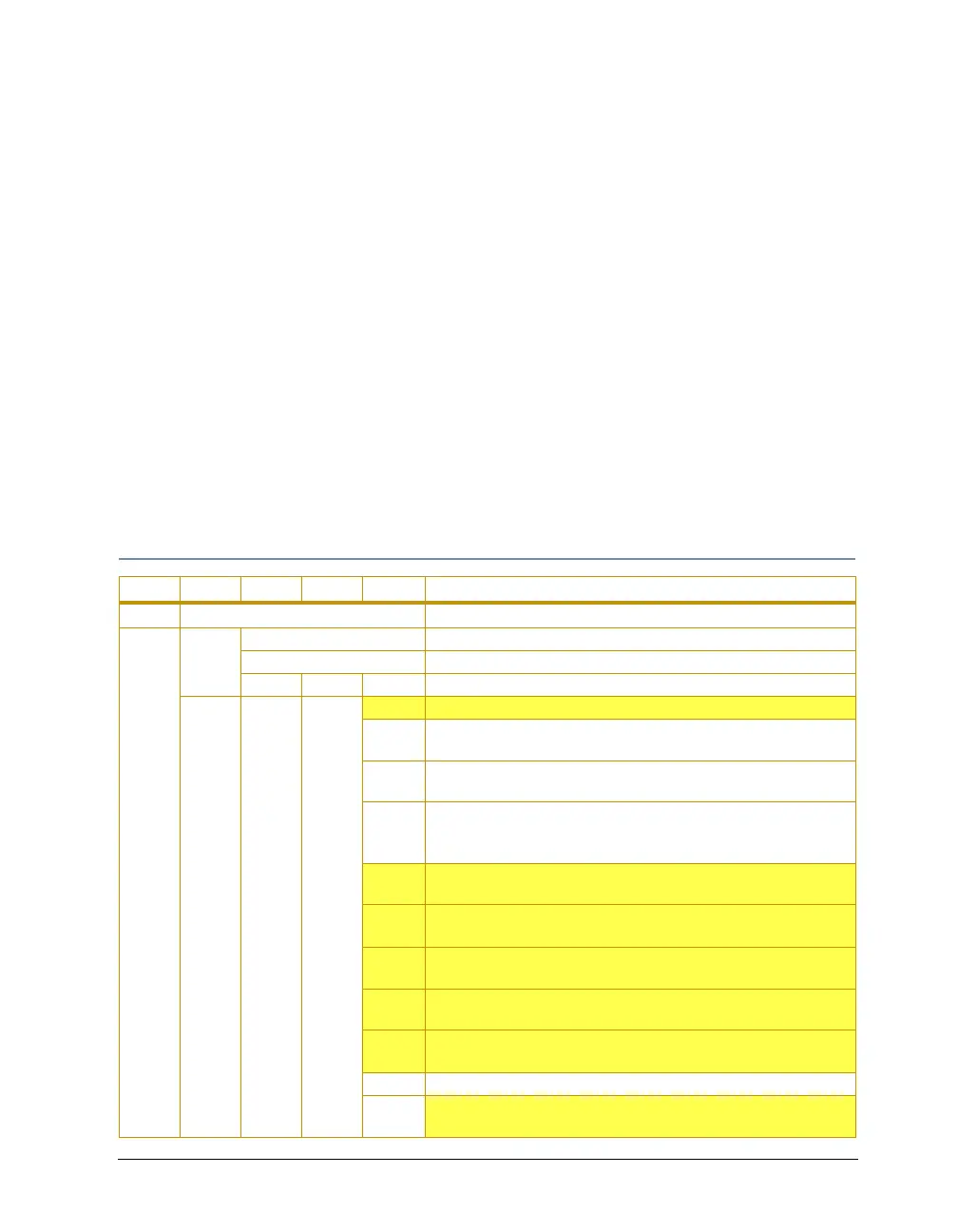
Menu Map
The Studio Command fixture’s onboard menu system allows you to:
• Assign a DMX start channel
• Access fixture options such as, homing the fixture, viewing fixture status, crossloading
software, and performing self tests
• Preset (PRST) programming options that allow you to create, store, and play scenes from
the fixture’s on-board memory.
For a more detailed description, see individual menu options listed in Chapter 3: The Menu
System on page 21.
Note: All Studio Command models use the same menu system. Yellow
highlighted areas in the menu map table indicate options that have a
different result or are not functional for Studio Command H fixtures.
Studio Command Menu Map*
Level 1 Level 2 Level 3 Level 4 Level 5 Description
ADDR Cxxx change the existing DMX start channel
PRST
PLAY
OFF set preset playback off
ON set preset playback on
SCN display which scene is currently playing
EDIT
SN01–
SN16
SHUT
DIM
CLSD close the shutter
P01–
P26
select shutter strobe at periodic intervals from slow (P 01) to
fast (P
268)
NN01–
NN26
select shutter strobe at random intervals from slow (NN01) to
fast (NN
26)
NK01–
NK26
select shutter strobe at random intervals from slow (NK01) to
fast (NK26), in synchronization with the random strobing of all
other Studio Command fixtures on the link
RS01–
RS26
select shutter ramp open slow (RS01) to fast (RS26), snap
shut
SR01–
SR26
select shutter snap open, ramp shut slow (SR01) to fast
(SR26)
RR01–
RR26
select shutter ramp open, ramp shut slow (RR01) to fast
(RR26)
NR01–
NR26
select the frequency to randomly ramp open slow (NR01) to
fast (NR26), snap shut
NS01–
NS26
select the frequency to snap open, randomly ramp shut slow
(NS01) to fast (NS26)
OPEN open the shutter
D001–
D255
select a dim value from dark (D001) to bright (D255)



 To Next Page