Appendix A
Studio Command™ DMX Protocol
80 Studio Command Series User Manual
Studio Command-H Protocol
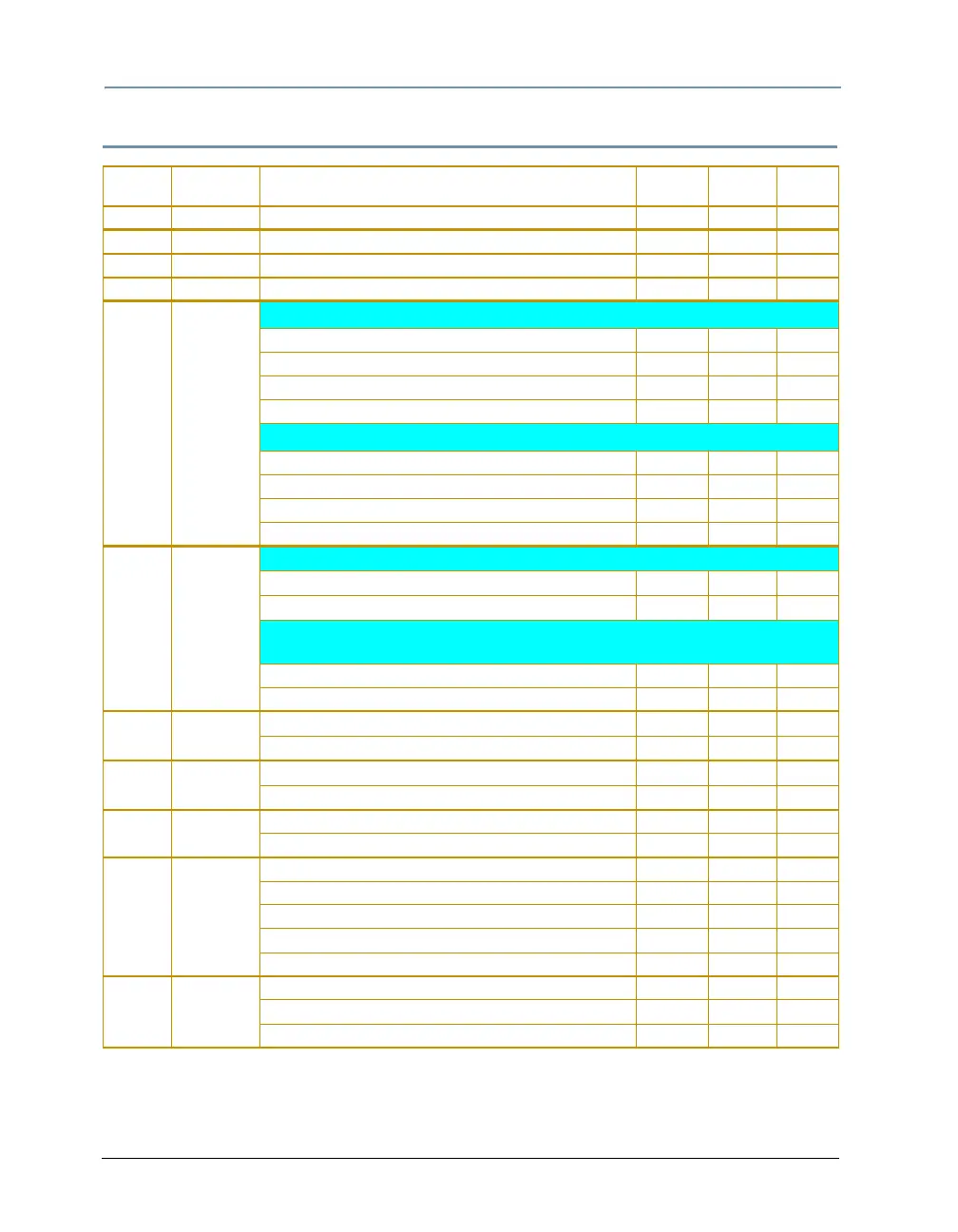
Channel Parameter Description
Value
(dec.)
Value
(%)
Value
(hex)
1 Pan Pan, coarse adjustment 0-255 0-100 00-FF
2 Pan Pan, fine adjustment 0-255 0-100 00-FF
3 Tilt Tilt, coarse adjustment 0-255 0-100 00-FF
4 Tilt Tilt, fine adjustment 0-255 0-100 00-FF
5
Color
Function
Full Speed Control
Continuous 0-15 0-6 00-0F
Cycle (Speed is set by the Cyan channel) 16-31 6-12 10-1F
Random (Speed is set by the Cyan channel) 32-47 13-18 20-2F
TBD 48-127 19-50 30-7F
MSpeed Controlled
Continuous 128-143 50-56 80-8F
Cycle (Speed is set by the Cyan channel) 144-159 57-62 90-9F
Random (Speed is set by the Cyan channel) 160-175 63-69 A0-AF
TBD 176-255 69-100 B0-FF
6
Cyan
Wheel
Continuous Mode. Absolute position across 360 degrees
Cyan Full Saturation
0 0 00
Open 255 100 FF
Cycle & Random Modes
(sets the rate for all color wheels when Color function parameter = 16-47)
Slow Rate 0 0 00
Fast Rate 255 100 FF
7
Magenta
Wheel
Magenta Full Saturation
0 0 00
Open 255 100 FF
8
Yellow
Wheel
Yellow Full Saturation
0 0 00
Open 255 100 FF
9 Zoom
Zoom Narrow 0 0 00
Zoom Wide 255 100 FF
10
Shutter
Function
Open, activate Control channel 0-23 0-9 00-17
Periodic Strobe 24-49 9-19 18-31
Random Random Strobe 50-75 20-29 32-4B
Synchronous Random Strobe 76-101 30-40 4C-65
Open 102-255 40-100 66-FF
11 MSpeed
Disable 0-3 0-1 00-03
Longest (252.7 sec.) 4 2 04
Shortest (0.15 sec.) 255 100 FF



 To Next Page