Studio Command Series User Manual 63
Chapter 6:
Troubleshooting
This chapter lists typical symptoms and solutions for problems you might experience when using
your Studio Command
™
fixture. If the problem you are experiencing is not listed in this chapter
or the solution listed does not solve the problem, contact High End Systems customer service:
Customer Service
High End Systems, Inc.
2105 Gracy Farms Lane
Austin, TX 78758 USA
voice:800.890.8989
fax: 512.834.9195
toll free: 800.890.8989
Alphanumeric Display Error Messages
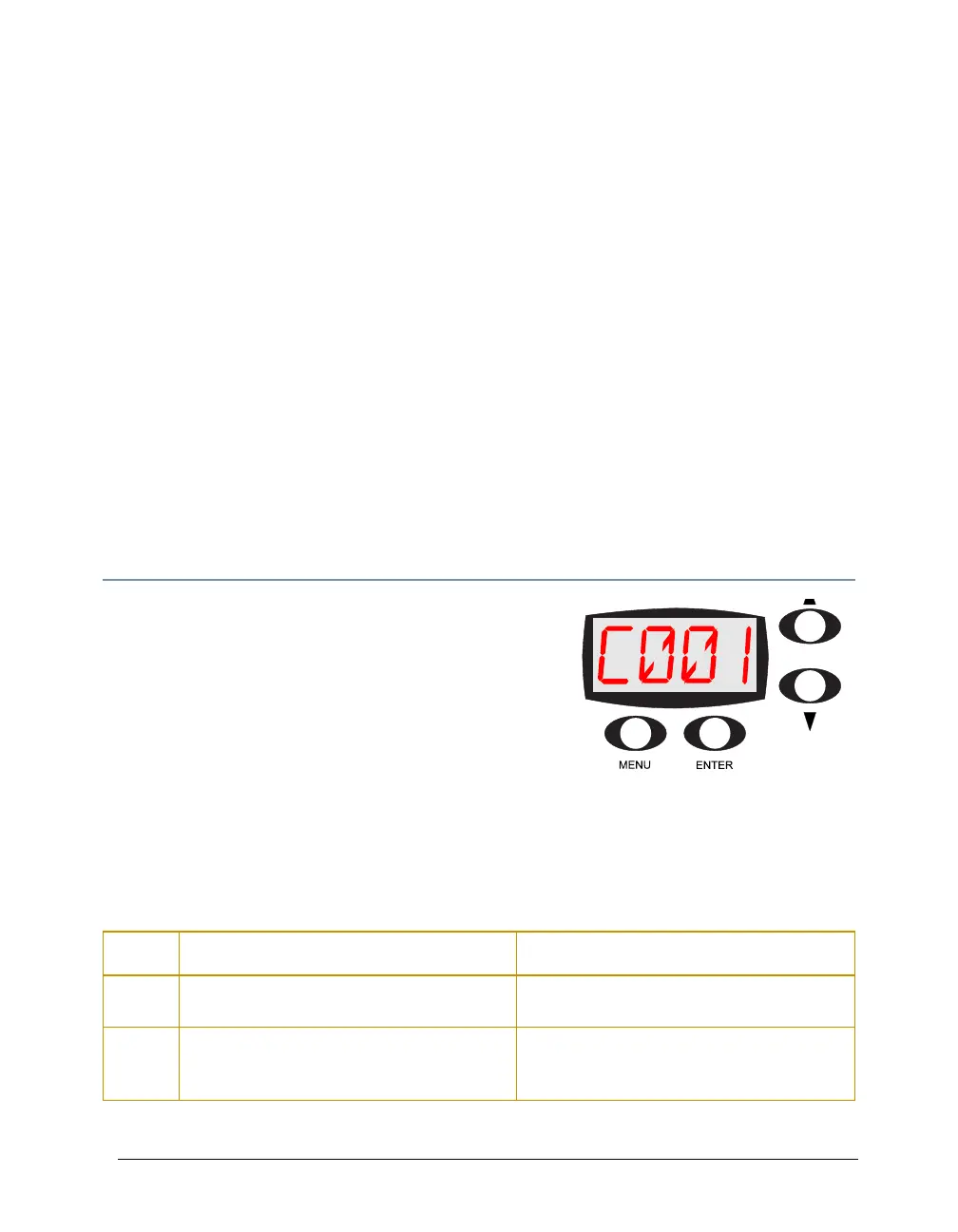
The front panel on Studio Command fixtures has an
alphanumeric LED (Light Emitting Diode) display, five
status LEDs, and four menu navigation buttons.
Under normal circumstances, the alphanumeric display
cycles between displaying the fixture’s name (CMNd), the
fixture type (700 for the Studio Command standard model
or H for Studio Command-H model) the fixture software
version (Vxxx), and the fixture’s DMX start channel (Cxxx) However, if you are experiencing
problems with your fixture, the status LEDs and/or alphanumeric display can also provide insight
on where the problem is originating.
The following table lists alphabetically the Error Messages Studio Command fixtures can display
along with the problem(s) each may indicate and potential solutions.
Display
Message
Problem Solution
BOOT
DIFF
The fixture’s normal boot code does not match
the backup boot code.
Update the boot code (see
Copying the Boot
Code (BOOT)
on page 33).
EMEM
CHNL
The fixture lost the assigned DMX start
channel and will automatically default to DMX
start channel 1.
To reassign the DMX start channel, see
Assigning a DMX Start Channel on page 18.



 To Next Page