CHAPTER 3
The Menu System
34 Studio Command Series User Manual
Performing Self Tests (SELF)
The following self tests are available:
To see the effects of the self tests, the lamp must be on. If the lamp is off when you run the self
test, the LED will display LAMP to indicate that the lamp is not struck, and the fixture will
attempt to strike the lamp automatically. Self tests run continuously until you until you press
<Menu> to exit the test.To perform a self test:
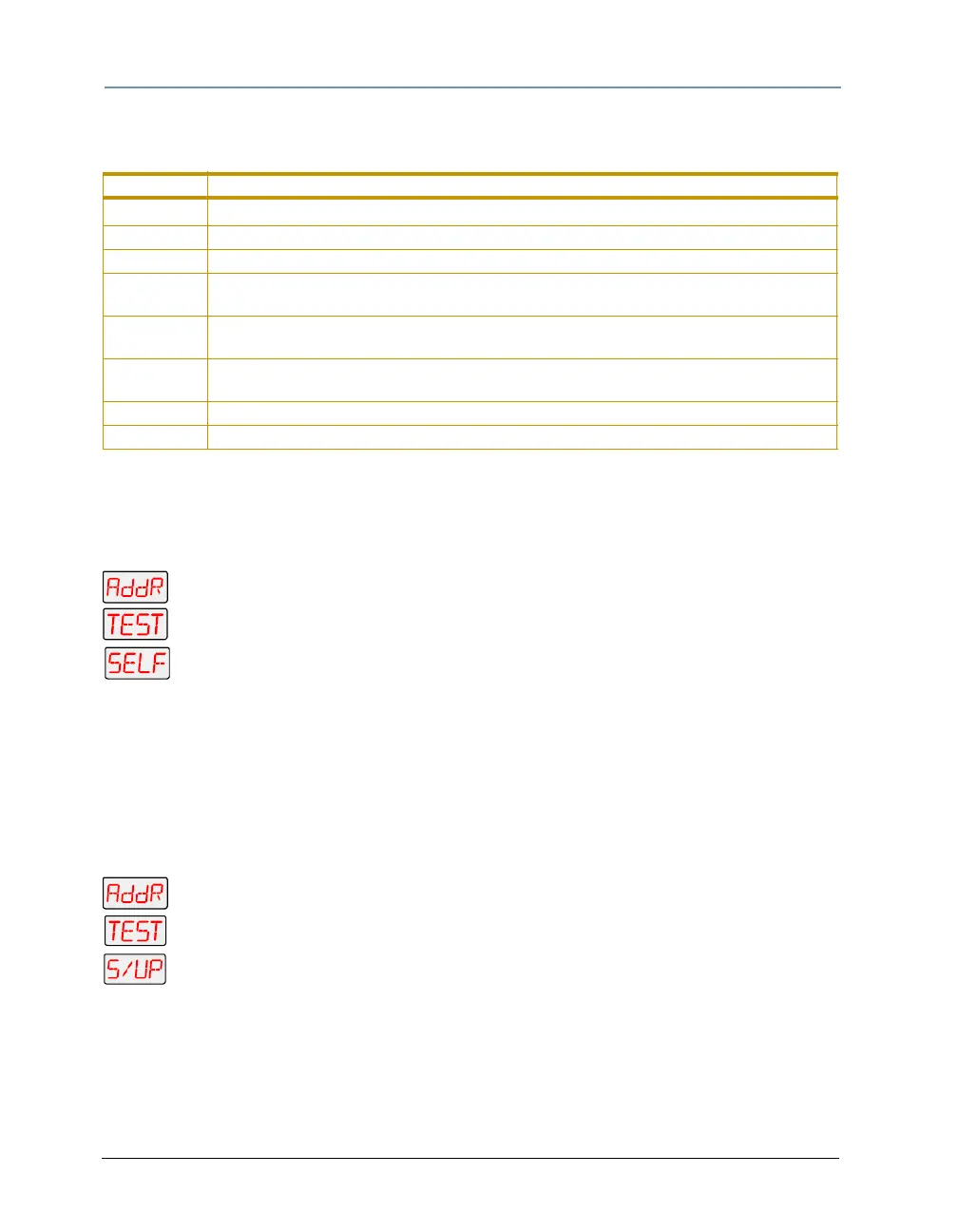
1. Press and hold <Menu> until AddR appears on the LED display.
2. Scroll to the TEST menu. Press <Enter> to select.
3. Scroll to the SELF menu. Press <Enter> to select.
4. Scroll to the desired option (listed above).
5. Press <Enter> to start the test. The fixture will perform the selected self test.
6. Press <Menu> to exit the test.
Placing the Fixture in Setup Mode (S/UP)
This menu item is used as part of the service procedure for replacing motor. To place the fixture
in setup mode:
1. Press and hold <Menu> until AddR appears on the LED display.
2. Scroll to the TEST menu. Press <Enter> to select
3. Scroll to the S/UP option.
4. Press <Enter>. When the LED displays SET NOW, the fixture mechanically homes
the dim flags.
5. After mechanically homing press any button to reset and home the fixture.
Construct Self-Test Description
ALL
performs all of the self tests listed below
PAN moves the pan motor from 0° to 540°
TILT moves the tilt motor from 0° to 240°
CYAN
divides the cyan color wheel into eight equal sections (positions) and rotates the cyan color
wheel from position 1 through 8
MAGN
divides the magenta color wheel into eight equal sections (positions) and rotates the
magenta color wheel from position 1 through 8
YELW
divides the yellow color wheel into eight equal sections (positions) and rotates the yellow
color wheel from position 1 through 8
SHUT performs strobe functions
DIM moves the dim wheel from closed to fully open



 To Next Page