CHAPTER 3
The Menu System
36 Studio Command Series User Manual
Information Menu (INFO)
The Information menu allows you to view current fixture information such as internal
temperature, lamp hours, fixture hours, lamp strikes, software version, DMX errors, and DMX
data for any other device on the link. You can also reset the lamp hours, lamp strikes and
fixture hours. The procedures below are listed in the same order shown on the menu map (see
Appendix D: Menu Map).
Viewing Sensor Information (SENS)
This menu option allows you to view whether a specified sensor is working correctly or to view
encoder position values. If you receive a SENS ERR error message on the alphanumeric display,
this information may help you determine where the problem originates
Sensor/encoder information is available for the following:
To view sensor and encoder information:
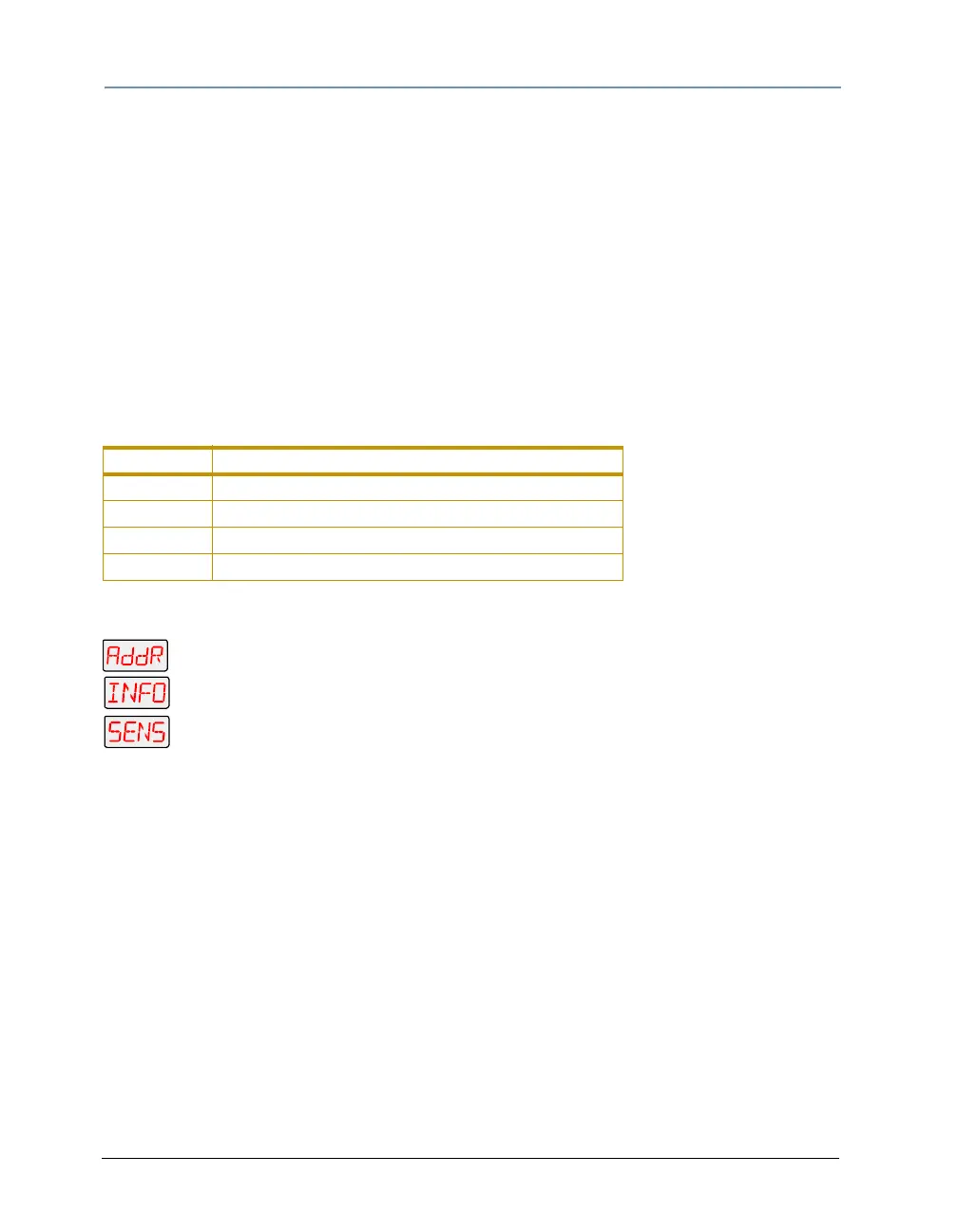
1. Press and hold <Menu> until AddR appears on the LED display.
2. Scroll to the INFO menu. Press <Enter> to select.
3. Scroll to the SENS menu. Press <Enter> to select.
4. Scroll to the desired sensor or encoder (listed above).
5. Press <Enter> to store the selection. If you are viewing a sensor, the LED will
display ON or OFF indicating the status. If you are viewing an encoder, the LED will
display the current numeric position of the encoder.
Parameter Description
TILT tilt sensor
PAN pan sensor
TPOS tilt encoder
PPOS pan encoder



 To Next Page