CHAPTER 3
The Menu System
Studio Command Series User Manual 37
Viewing Fixture DMX Status and Parameter Values (FIXT)
This menu option allows you to view DMX status and parameter values for the fixture. You may
want to view the DMX status and parameter values for a fixture if you are having a particular
problem with a fixture; for example, a color wheel that does not respond to commands from the
console.
The following DMX status information is available for viewing:
The following parameter values are available for viewing according to the selected protocol.
To view the DMX status and parameter values:
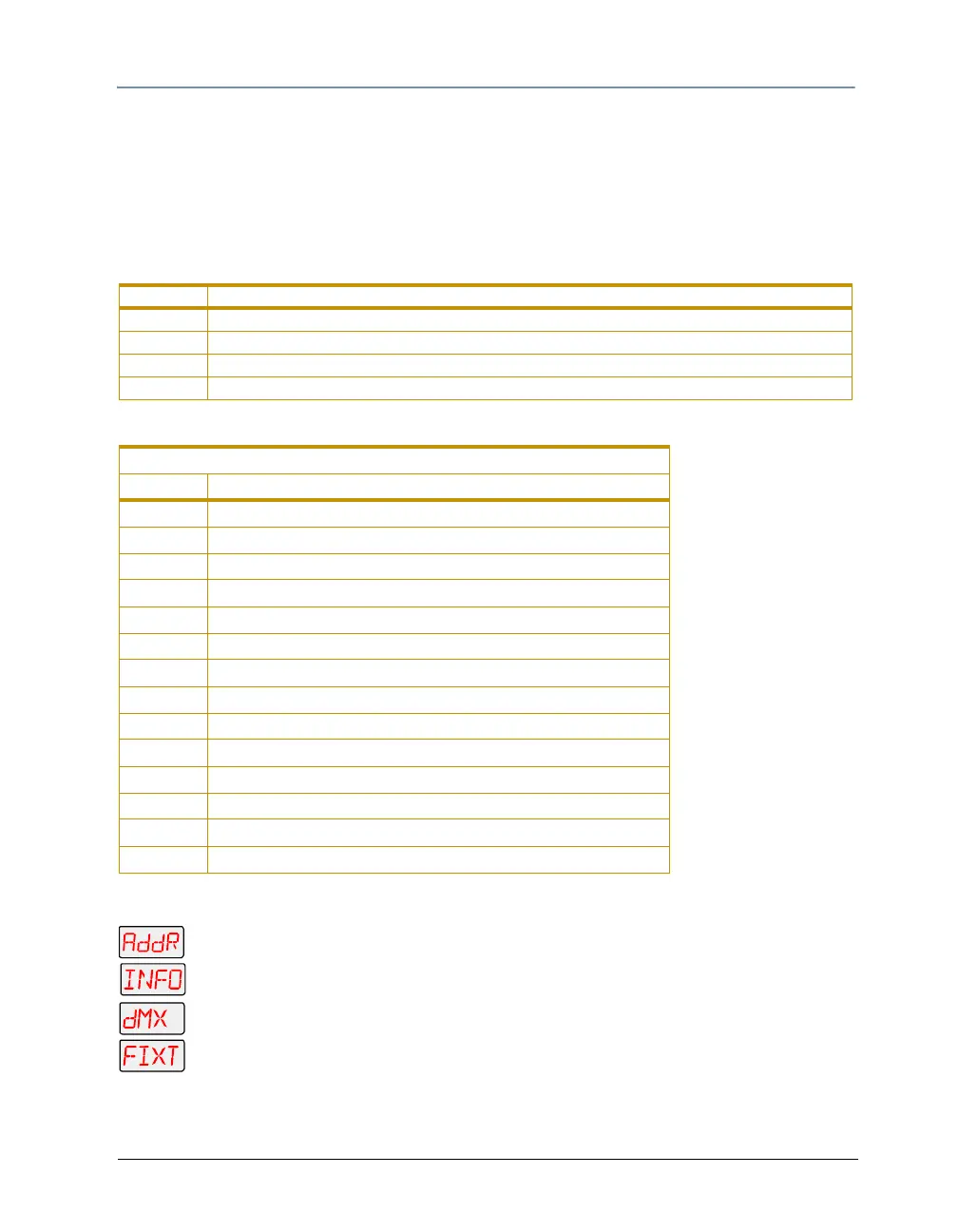
1. Press and hold <Menu> until AddR appears on the LED display.
2. Scroll to the INFO menu. Press <Enter> to select.
3. Scroll to the dMX menu. Press <Enter> to select.
4. Scroll to the FIXT menu (this will be the first option displayed). Press <Enter>.
5. Scroll to the desired DMX status or parameter value.
6. Press <Enter>. The LED will display the selected DMX status or parameter value.
Contruct DMX Status
BRKS framing errors with value of zero (i.e. DMX breaks)
FE framing errors with a non-zero value (i.e. errors in data transmission)
OV overruns (changing values could indicate data link/connector problems)
STRT start code
DMX Values Available for Viewing
Construct Value
PANH high 16-bit pan value
PANL low 8-bit pan value
TLTH high 16-bit tilt value
TLTL low 8-bit tilt value
COLC color control value
CYAN cyan color wheel position
MAGN magenta color wheel position
YELW yellow color wheel position
ZOOM beam angle position
SHUT shutter strobe value
DIM shutter dim flag value (Not available in Studio Command H models)
MSPD MSpeed time value
MACR macro value
CNTL control channel value



 To Next Page