CHAPTER 3
The Menu System
Studio Command Series User Manual 43
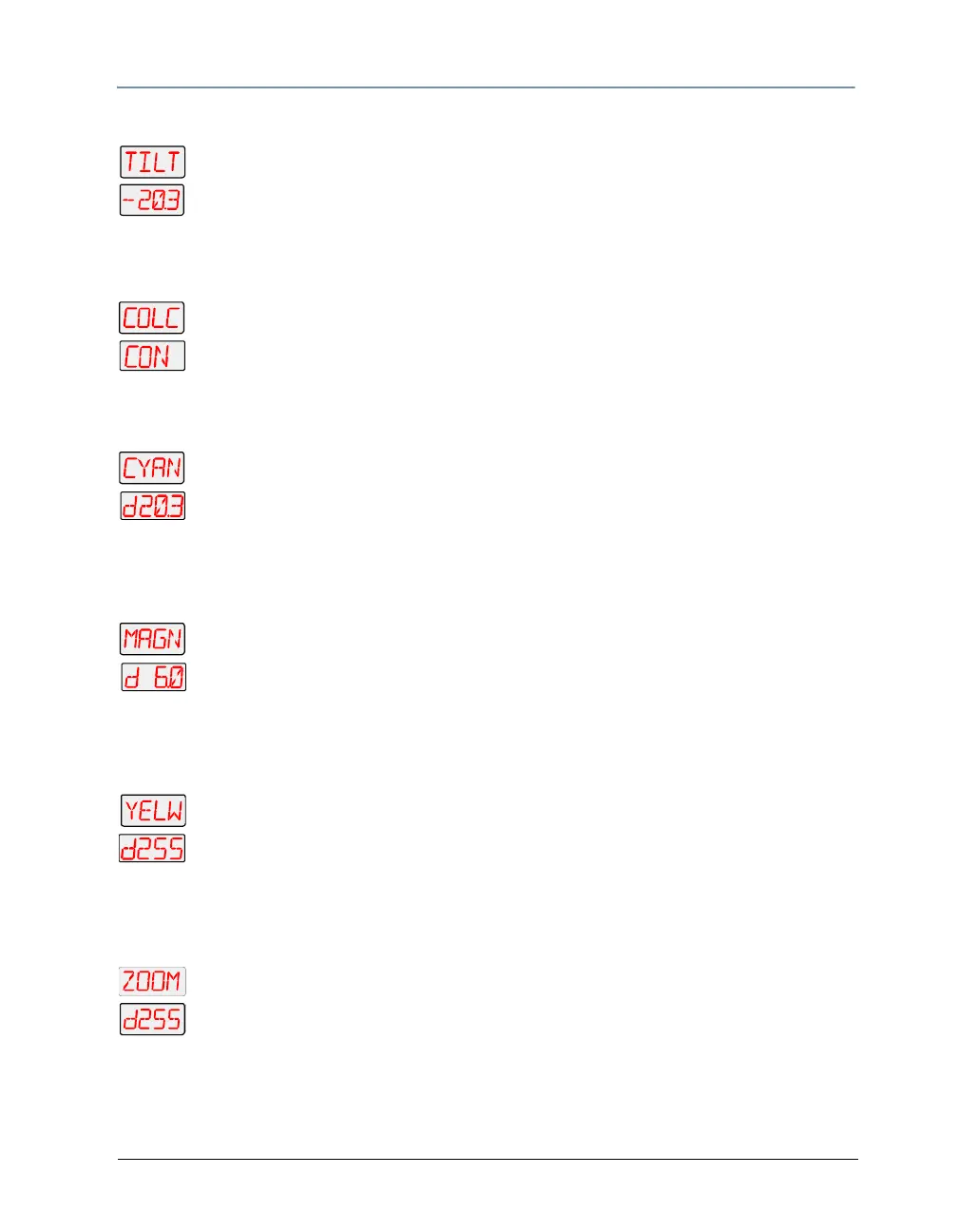
Select a Tilt Value (TILT)
1. Scroll to the TILT parameter. Press <Enter> to select.
2. Scroll to the desired tilt value from -49.9–+49.9 (in this example, -20.3).
3. Press <Enter> to store the selection.
Choose a Color Wheel Control Value (COLC)
1. Scroll to the COLC parameter. Press <Enter> to select.
2. Scroll to the desired color wheel control value (in this example, Continuous).
3. Press <Enter> to store the selection.
Select a Cyan Wheel Position (CYAN)
1. Scroll to the CYAN parameter. Press <Enter> to select.
2. Scroll to the desired cyan color saturation level (in this example, a DMX value of
203).
3. Press <Enter> to store the selection.
Select a Magenta Wheel Position (MAGN)
1. Scroll to the MAGN parameter. Press <Enter> to select.
2. Scroll to the desired magenta color saturation level (in this example, a DMX value
of 60.
3. Press <Enter> to store the selection.
Select a Yellow Wheel Position (YELW)
1. Scroll to the YELW parameter. Press <Enter> to select.
2. Scroll to the desired yellow color saturation level (in this example, a DMX value of
255 or full saturation).
3. Press <Enter> to store the selection.
Select the Zoom Function (ZOOM)
1. Scroll to the ZOOM parameter. Press <Enter> to select.
2. Scroll to the desired value (in this example, a DMX value of 255).
3. Press <Enter> to store the selection.



 To Next Page