CHAPTER 6
Troubleshooting
70 Studio Command Series User Manual
Fixture is not
responding to
controller
commands or is
producing
unexpected
results.
The data cable is faulty. Test and replace the data cables as necessary.
No controller is attached to the
link or the controller is not
generating any output.
Verify that a controller is connected to the link and is
generating output by sending commands to a known
working device.
The fixture has an incorrect
fixture number or DMX start
channel.
Verify the fixture number or DMX start channel does
not overlap another fixture’s DMX start channel (see
Uploading Latest Fixture Software on page 17).
The link was not terminated. Terminate the link (see
Terminating the Link on
page 16).
The logic board has been
replaced and not configured
correctly for this model.
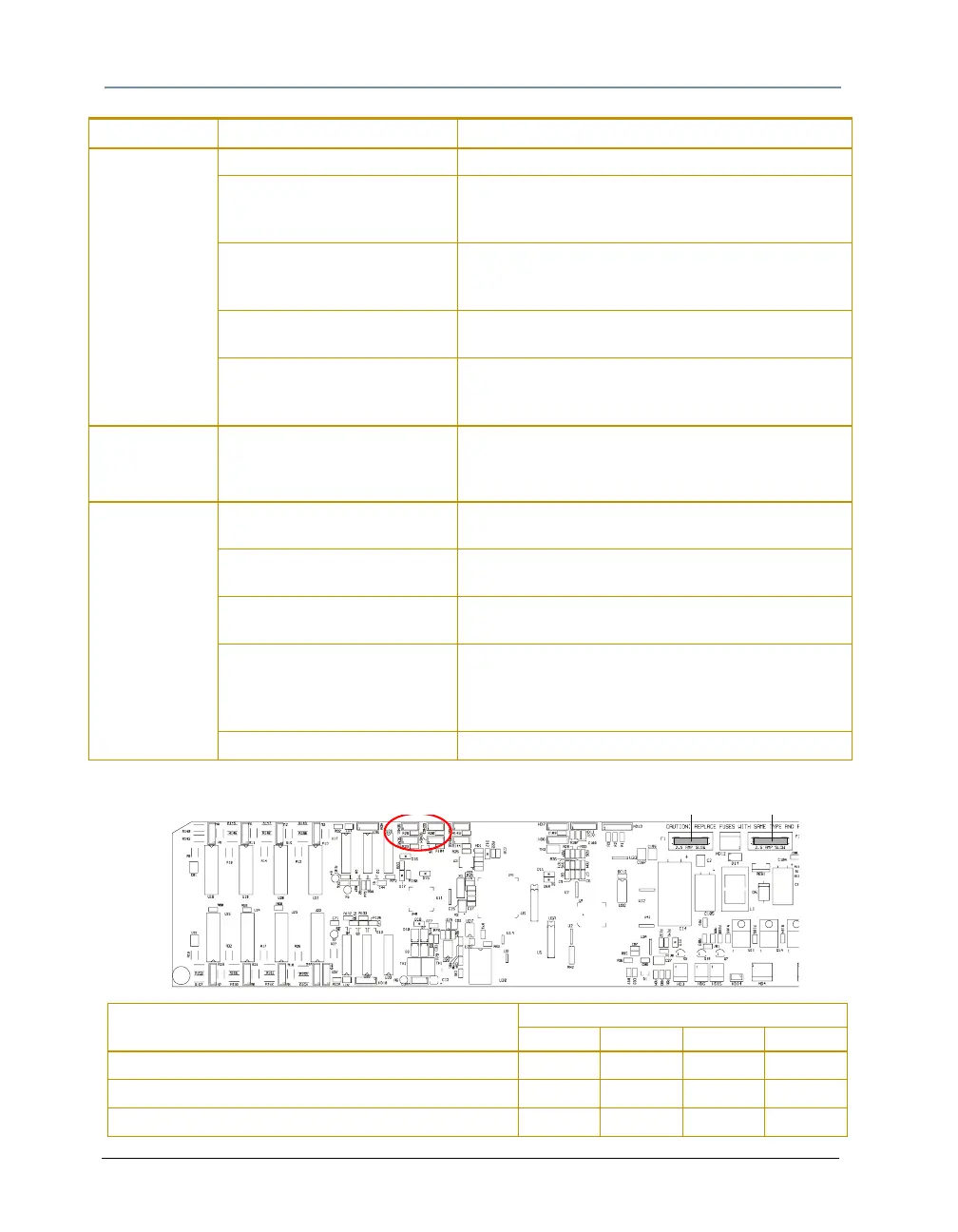
Set the sensor positions according to the table at the
bottom of this page.
Pan or Tilt
position is off.
The pan and tilt is out of home. Home the fixture (see
Control Parameter on page 53
or
Homing the Fixture (HOME) on page 33).
Contact High End Systems customer service
Display is not
functioning.
The LED display is set off. Turn the LED display on (see
Changing the Display
Output (DSPL)
on page 28).
The power supply fuse is bad. Check the power supply fuses (see
Replacing Fuses
on page 55).
The power connectors are
loose.
Re-seat the power connectors and turn the LED
display on.
The software upload was
incomplete.
At fixture start-up, press the two navigational arrow
buttons simultaneously. The LED will display “UPLD”
and hold the fixture in boot mode. Reload the latest
version of the software.
The logic board is bad. Contact High End Systems customer service.
Problem Probable Cause Solution
Sensor Position
1234
Studio Command 700 with KT56 Open Open Open Open
Studio Command 700 with KT60 Jumper Jumper Jumper Jumper
Studio Command H Jumper Open Open Open



 To Next Page