DS-7108HI-S series Net DVR User Manual
18
Fig. 4.3 Login dialog
Use []/[] keys to select one user, press[]key to enter “Password” edit box, input
corresponding password, press[ENTER]key to exit edit box. The “Active Frame” will move to
“Confirm” button. Press [ENTER] key and enter main menu. If there is buzzing alarm, it means
the user name and password are not matched. After three times errors, DVR will enter the preview
mode.
Modify password
For those users created by admin, they can modify their passwords as follows:
Step1: Enter main menu
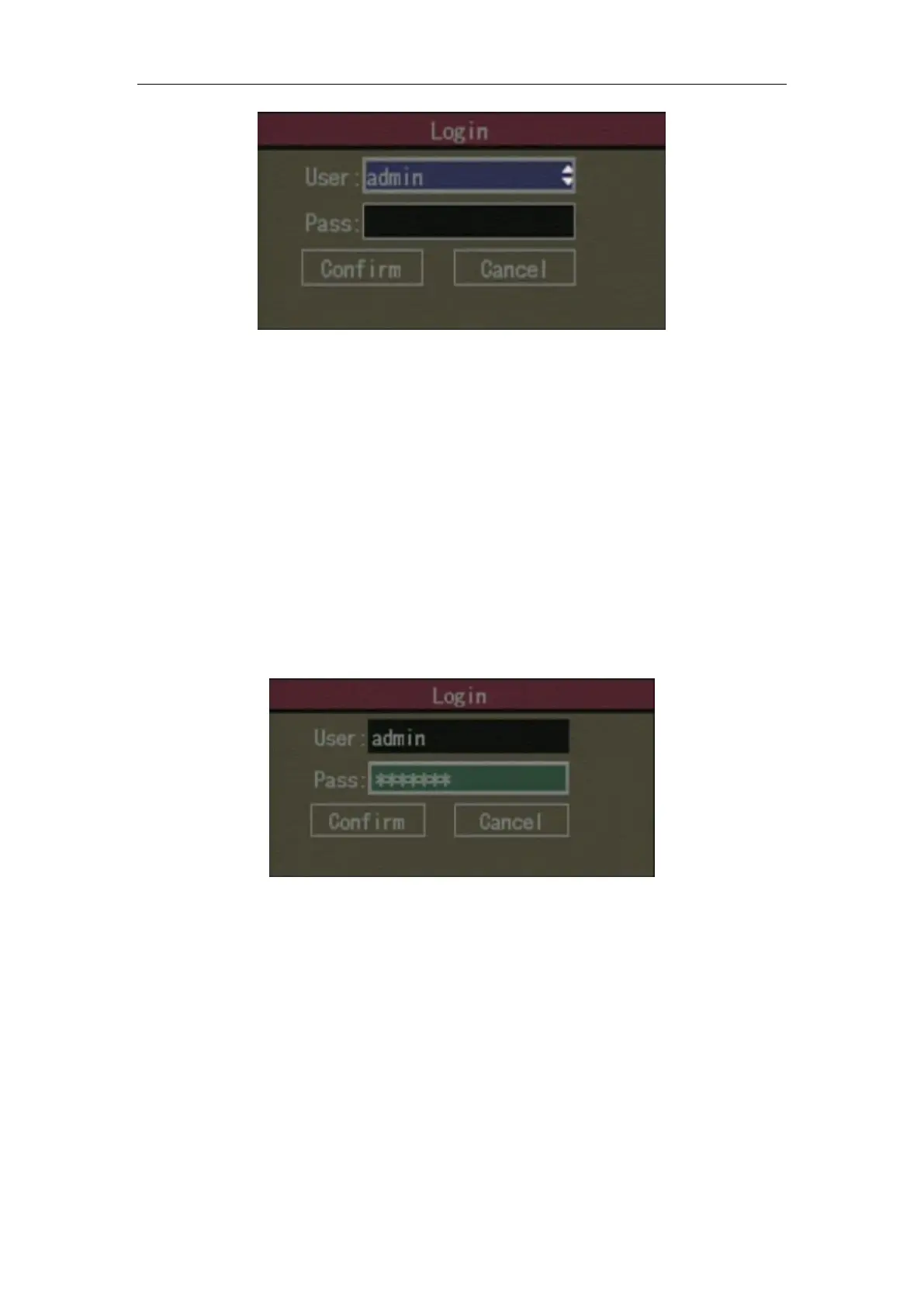
Press [MENU] key, in the login dialog, select your user name, input the correct password,
you can enter the main menu. As shown in Fig.4.4 and Fig.4.5 below.
Fig. 4.4 Input passwords


 To Next Page
 Loading...