DS-A80&81 Series Storage System User Manual
101
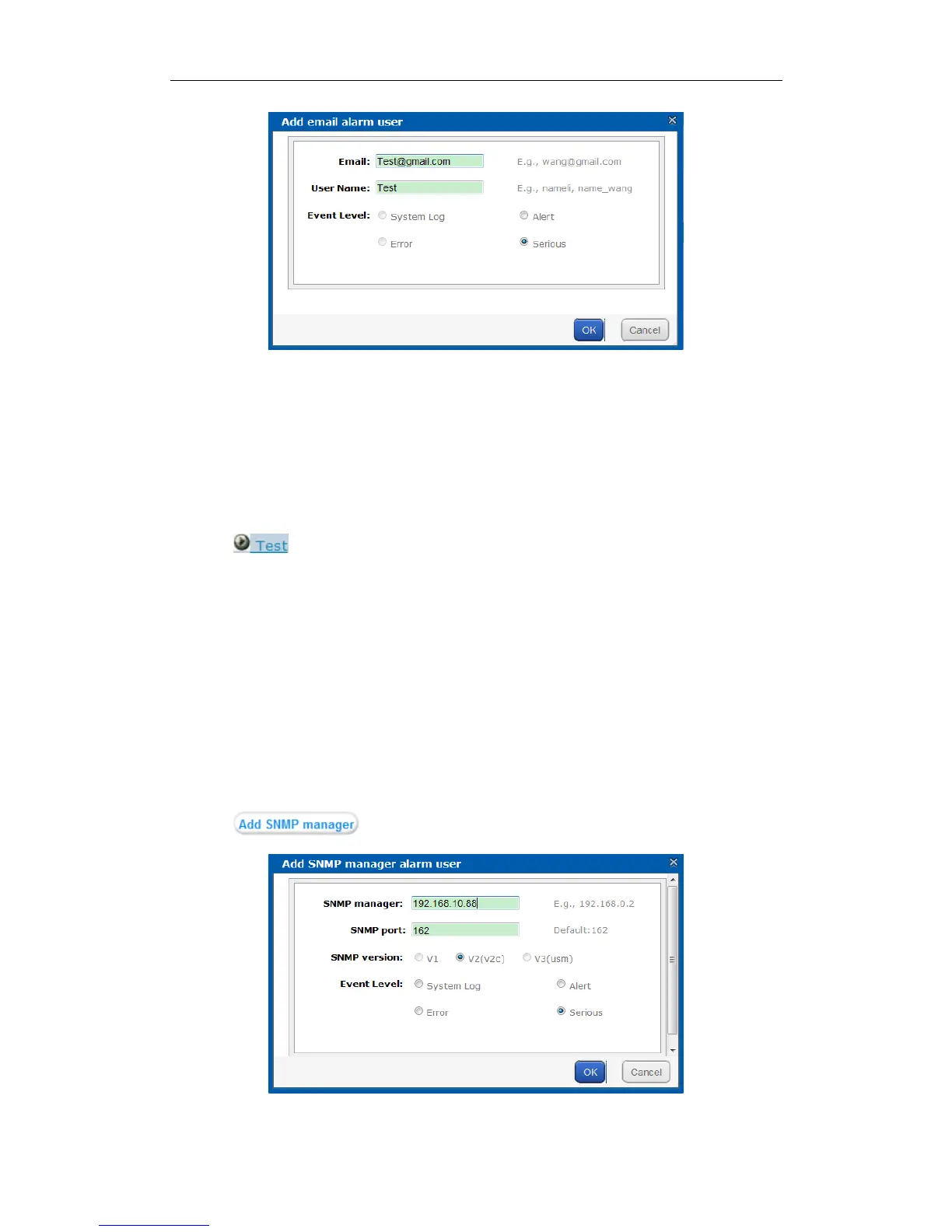
Figure 8. 14 Add Email Alarm User
8.2.3 Testing E-Mail
Purpose:
After sending and receiving e-mail are configured, you can test the communication between them.
Steps:
1. Check the checkbox of sending e-mail you want to test.
2. Click button and click OK in confirmation dialog box to start test. The test result is listed in a
message dialog box.
8.2.4 Adding SMTP Manager
Purpose:
SNMP manager can notify the SNMP-Trap software installed in your computer about the storage system alarm.
When alarm occurs, alarm message pops up in SNMP-Trap software.
Before you start:
1. Install the SNMP-Trap software in your computer.
2. To receive alarm message in client, turn on Administration & Monitoring Tools in client.
Steps:
1. Click button to pop up Add SNMP Manager window.
Figure 8. 15 Add SNMP Manager


 To Next Page
 Loading...