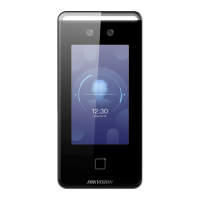
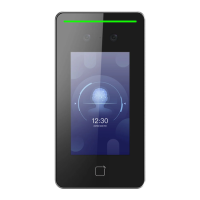
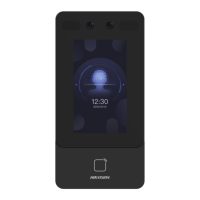
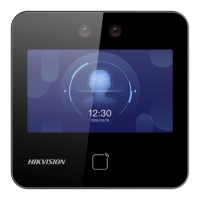
Figure 8-6 Door Parameters Sengs Page
Click Save to save the sengs aer the conguraon.
Door No.
Select the device corresponded door No.
Name
You can create a name for the door.
Open
Duraon
Set the door unlocking duraon. If the door is not opened for the set me, the door will be
locked.
Door Open Timeout Alarm
An alarm will be triggered if the door has not been closed within the
congured me duraon.
Door Contact
You can set the door contact as Remain Open or Remain Closed according to your actual needs.
By default, it is Remain Closed.
Exit
Buon Type
You can set the exit buon as Remain Open or Remain Closed according to your actual needs.
By default, it is Remain Open.
Door Lock Powering O Status
You can set the door lock status when the door lock is powering o. By default, it is Remain
Closed.
Extended Open
Duraon
The door contact can be enabled with appropriate delay aer person with extended access
needs swipes her/his card.
Door Remain Open Duraon with First Person
Set the door open duraon when rst person is in. Aer the rst person is authorized, it allows
mulple persons access the door or other authencaon acons.
Duress Code
DS-K1T341C Series Face Recognion Terminal User Manual
115


 To Next Page
 Loading...