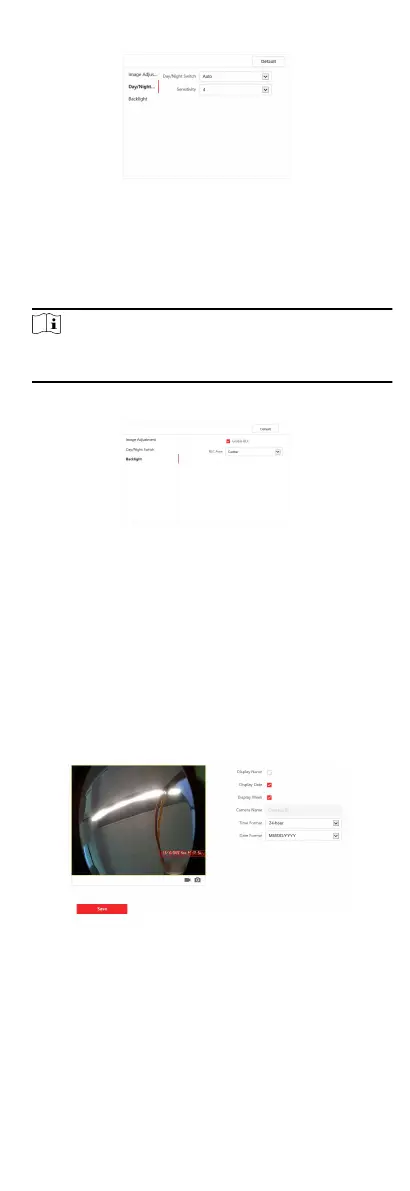
Figure 7-13 Day/Night Mode
-
Set Day Mode or Night Mode manually.
-
Set the mode as Auto and edit the
sensivity according to
your needs.
-
Set the mode as Scheduled-Switch. Set the start me and
end me.
Note
Dayme is from congured start me to congured me. The
rest of the me is set as night by default.
5. Set the backlight parameters.
Figure 7-14 Backlight
1) Check to enable BLC.
2) Select BLC Area.
6. Click Save to enable the sengs.
OSD Sengs
You can customize the camera name, me/date format on the
live view.
Steps
1. Click Image → OSD to enter the
sengs page.
Figure 7-15 OSD
2. Check to enable Display Name, Display Date or Display Week
at your actual needs.
3. Edit the Camera Name.
66


 To Next Page
 Loading...











