UM IPC-4300H 040320NA 74
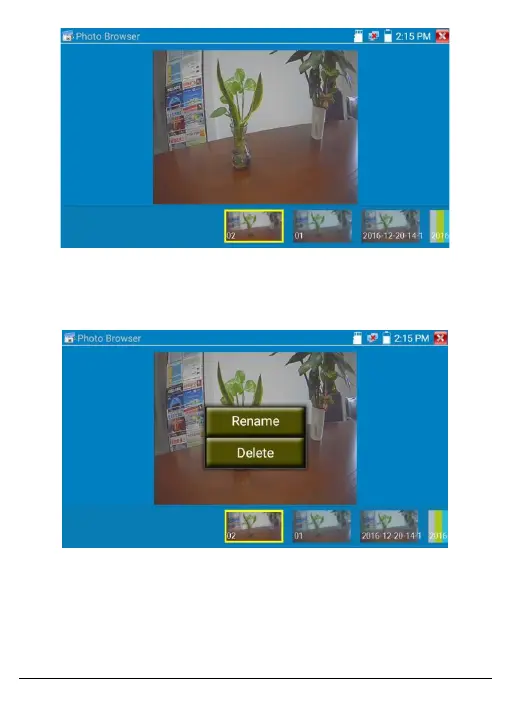
Figure 64, Snapshot Selection Screen
To rename or delete an image, click and hold the file until the
screen below appears.
Figure 65, Delete or Rename Snapshot Screen
• Recorded Video Playback
Click the Playback icon to view recorded videos. Tap on the desired
video file image to watch it.



 To Next Page